Start here
This guide is in English
Your first translation
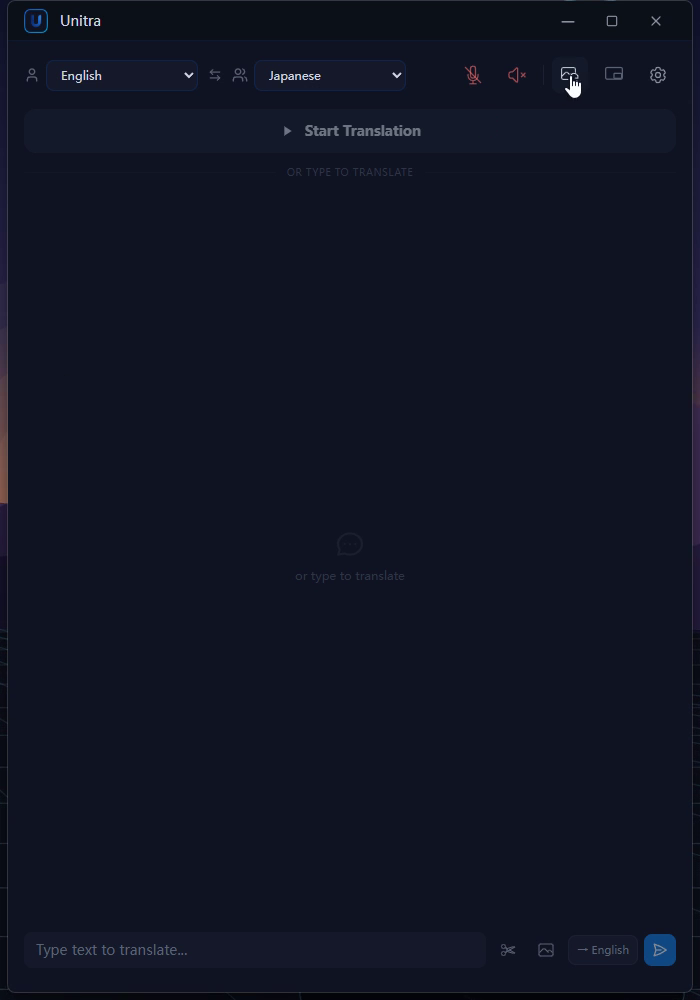
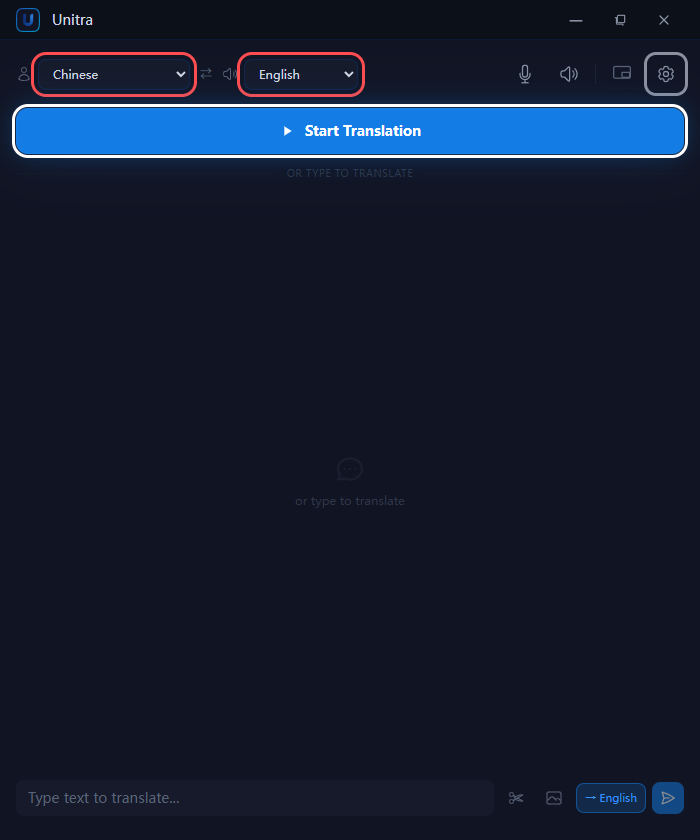
Choose your languages, sign in and see your first live subtitles. A walkthrough of the Windows setup.
Learn Unitra
Follow along at your own pace. Every guide puts the steps, screenshots and video in one place.
Pick what you want to do. We’ll walk you through it.
Start here
Choose your languages, sign in and see your first live subtitles. A walkthrough of the Windows setup.
Start here
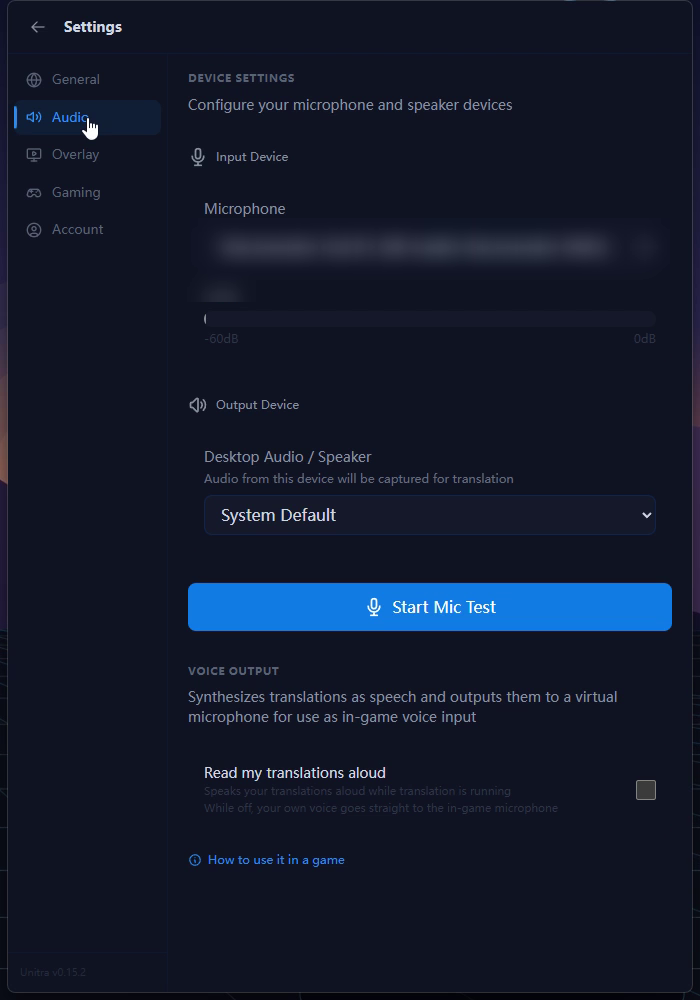
Set up the Unitra microphone so teammates hear you in their language, in your game or Discord.
Start here
Translate new game chat automatically, or take a one-off screenshot of a menu or quest.
Start here
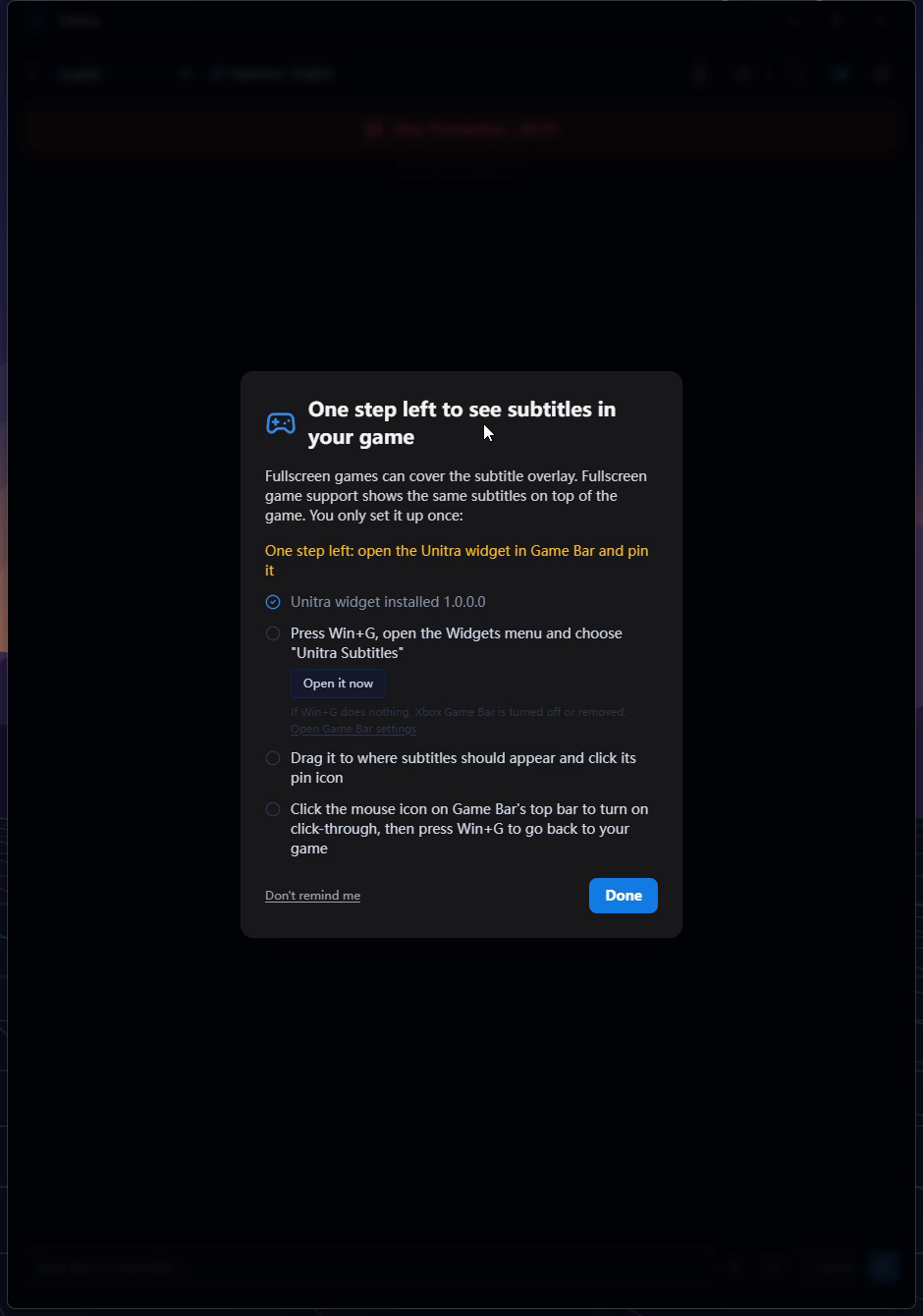
Add the free Xbox Game Bar widget when an exclusive fullscreen game covers your subtitles.
Start here
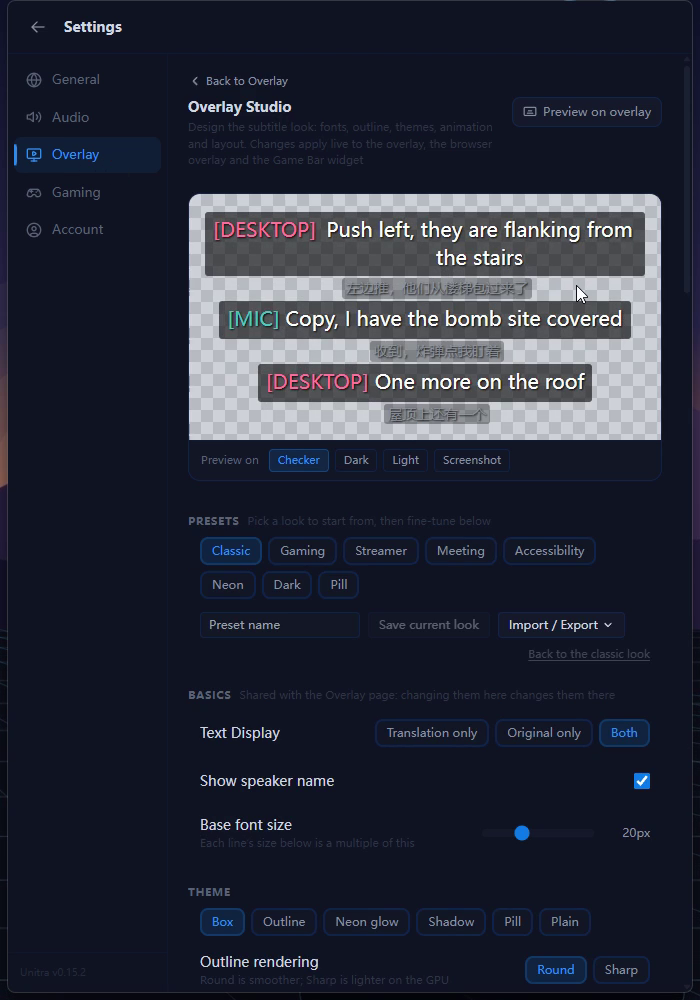
Start from a preset, tune fonts and colours, then save a look for your game and stream.
Start here
Add Unitra to OBS as a browser source, and let your audience read along in another language.
Start here
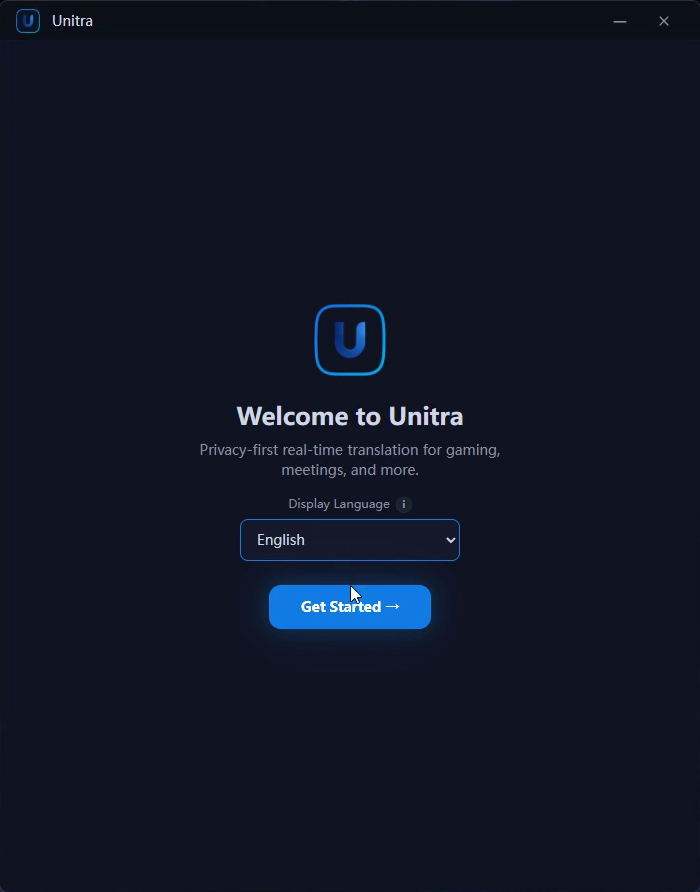
Choose your languages, sign in and see your first live subtitles. A walkthrough of the Windows setup.
New guides are on the way. In the meantime, find answers in our FAQ.
Find a quick answer, or tell us where you got stuck.