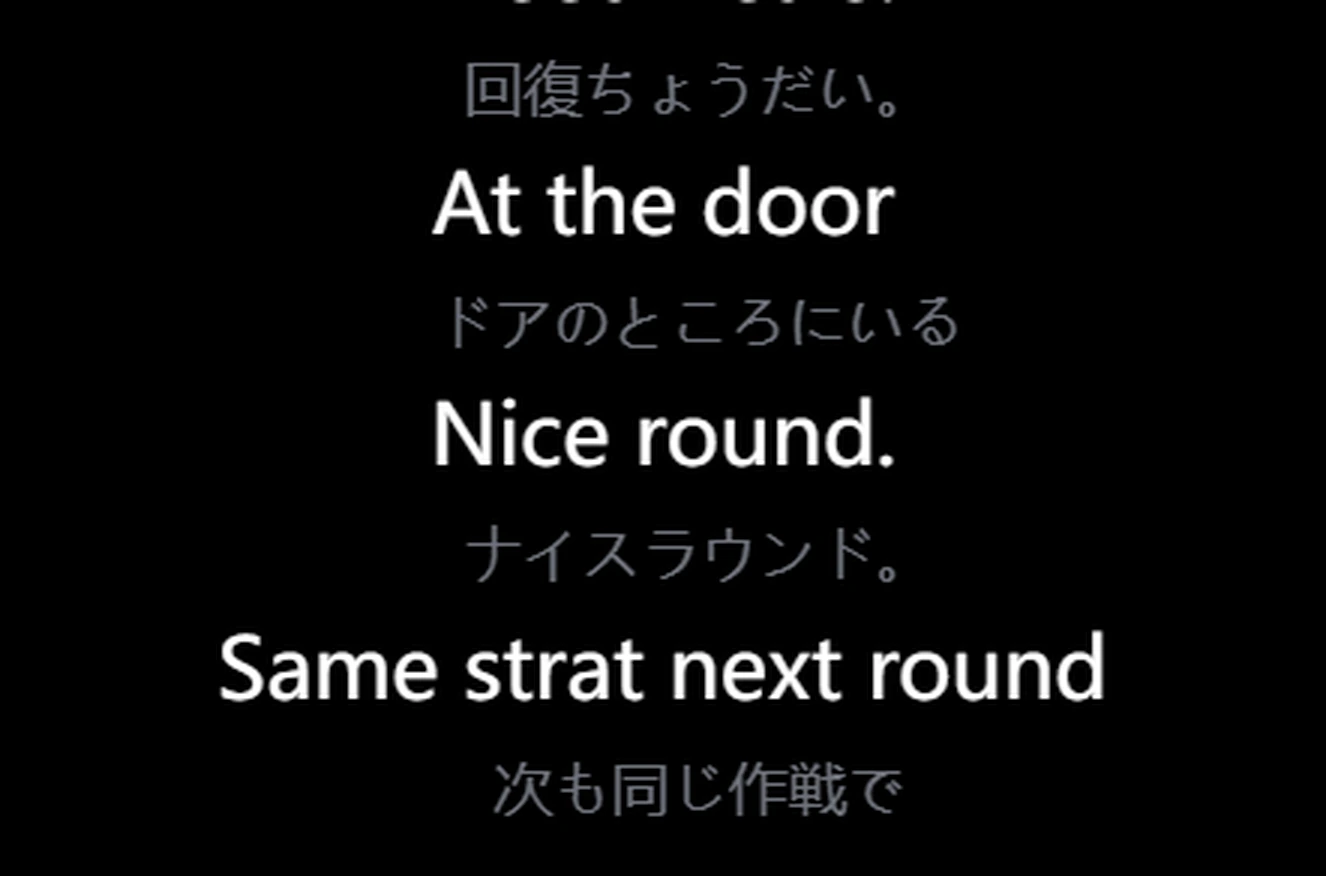
Praat zoals je altijd doet. Unitra AI vertaalt wat je zegt en spreekt het uit in de voicechat van je game of in Discord, zodat je teamgenoten je in hun eigen taal horen.
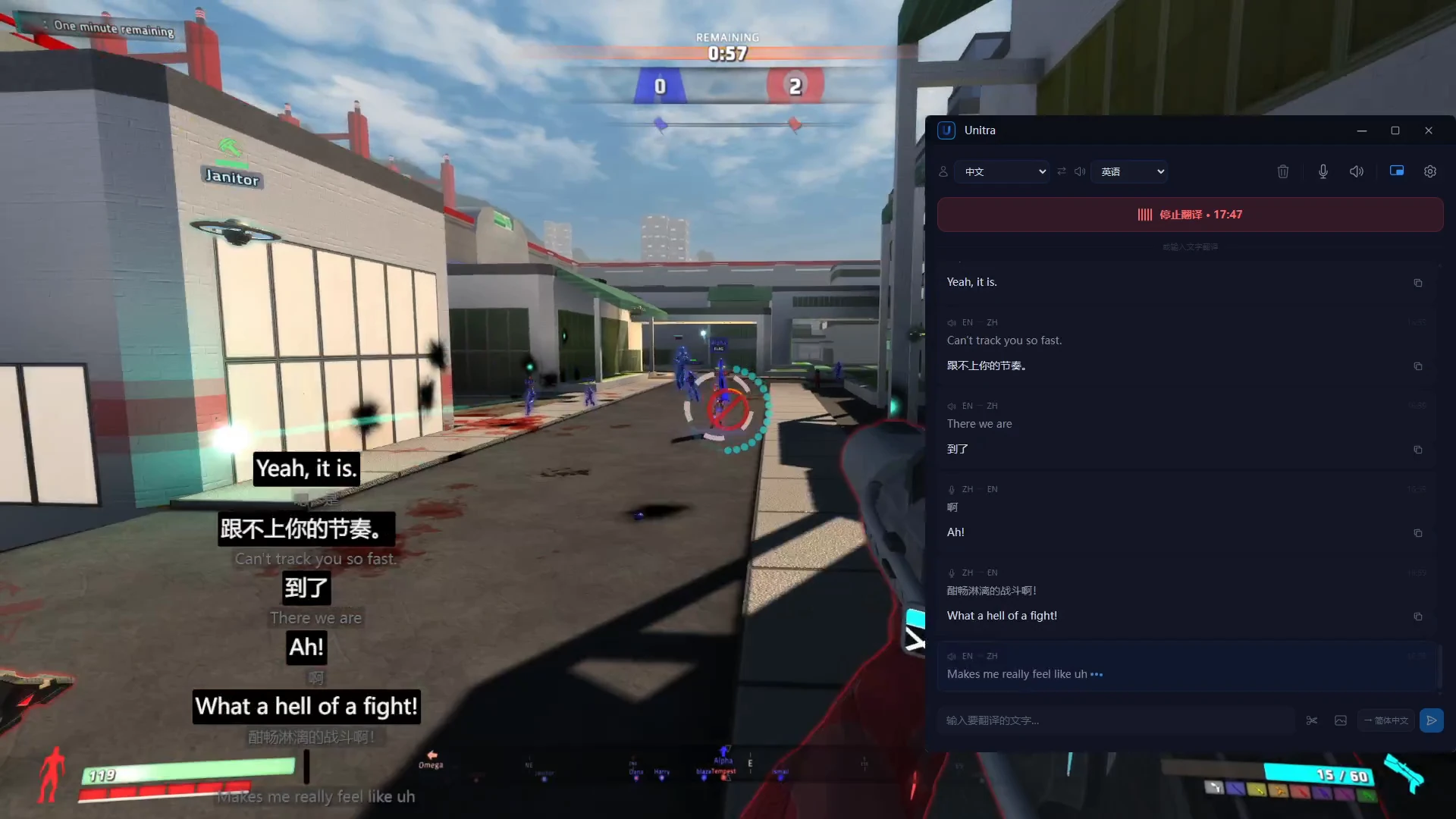
Echte uitvoer van de uitgebrachte versie. De Chinese zinnen zijn een opgenomen stemclip; de Engelse stem is wat je team hoort
Scherm
Lees de game-UI.
Gamechat en tekst op je scherm, vertaald zodra ze veranderen. Kies één keer het chatgebied en Unitra AI blijft het lezen.
Automatische schermvertaling: kies één keer een gebied en elk nieuw chatbericht wordt vertaald zodra het verschijnt, zonder knippen. Dagpas en Champion, op Windows
Chat uit onze demogame, van Engels naar Chinees. Echte uitvoer van de uitgebrachte versie
Eenmalig: knip een menu of questlog
1 Druk op de knipsneltoets en sleep over de tekst.2 Herkend en vertaald in het hoofdvenster.
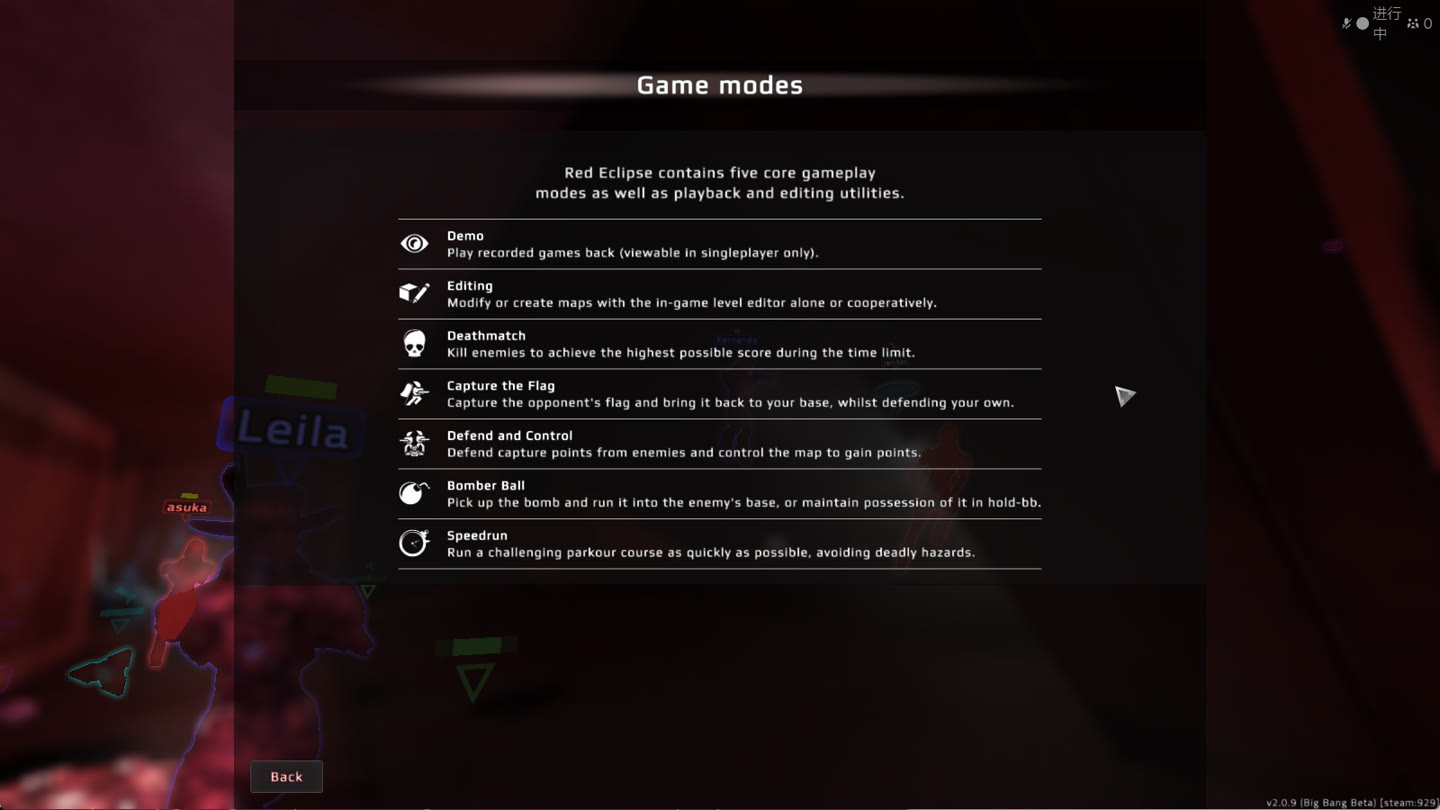
Helpscherm van Red Eclipse, Engels naar Japans. Echte output van de release-build. Ontdek schermvertaling
Chat
Vertaal je volgende bericht.
Typ of plak chattekst. De vertaling staat klaar om terug te kopiëren naar de game, in beide richtingen.
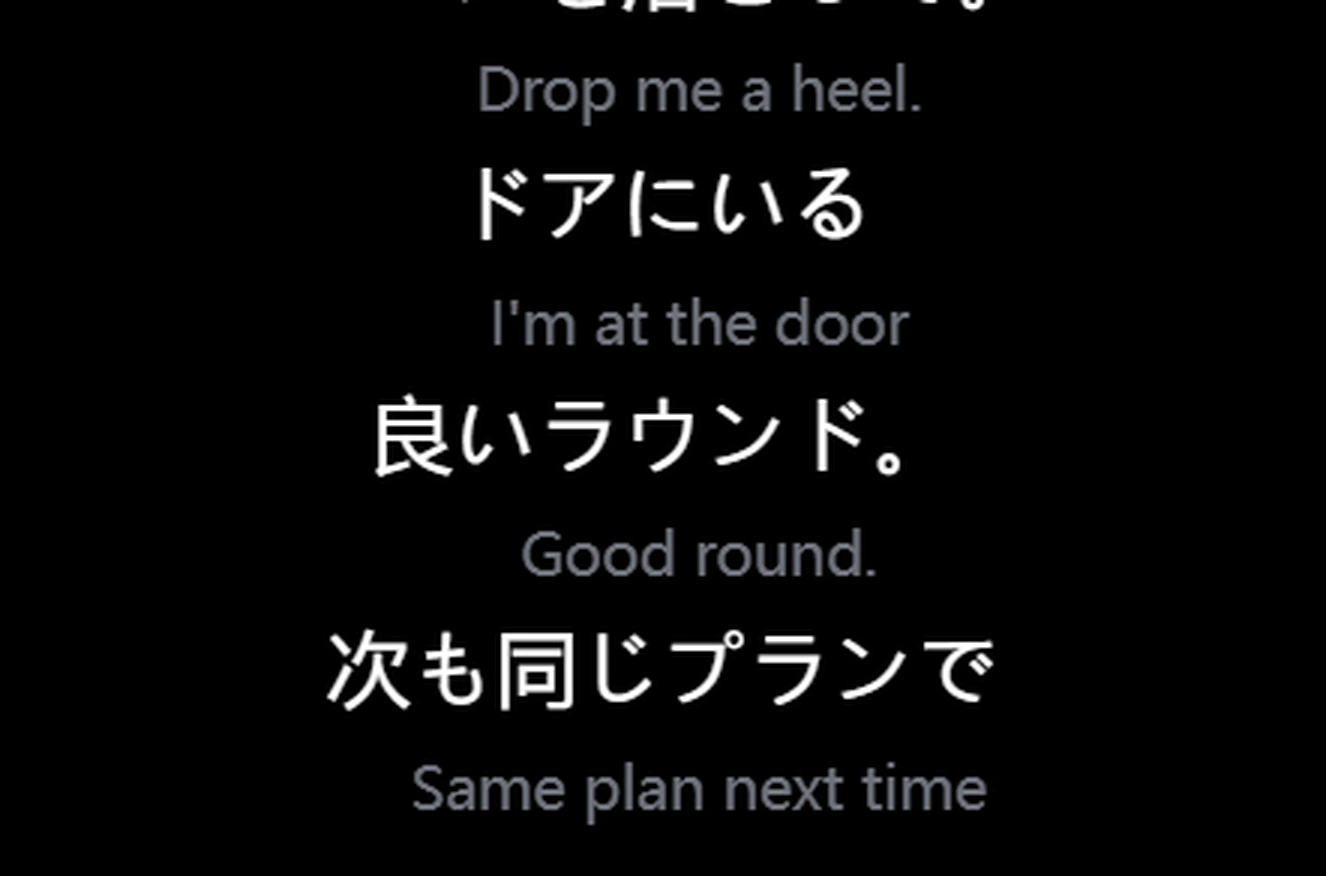
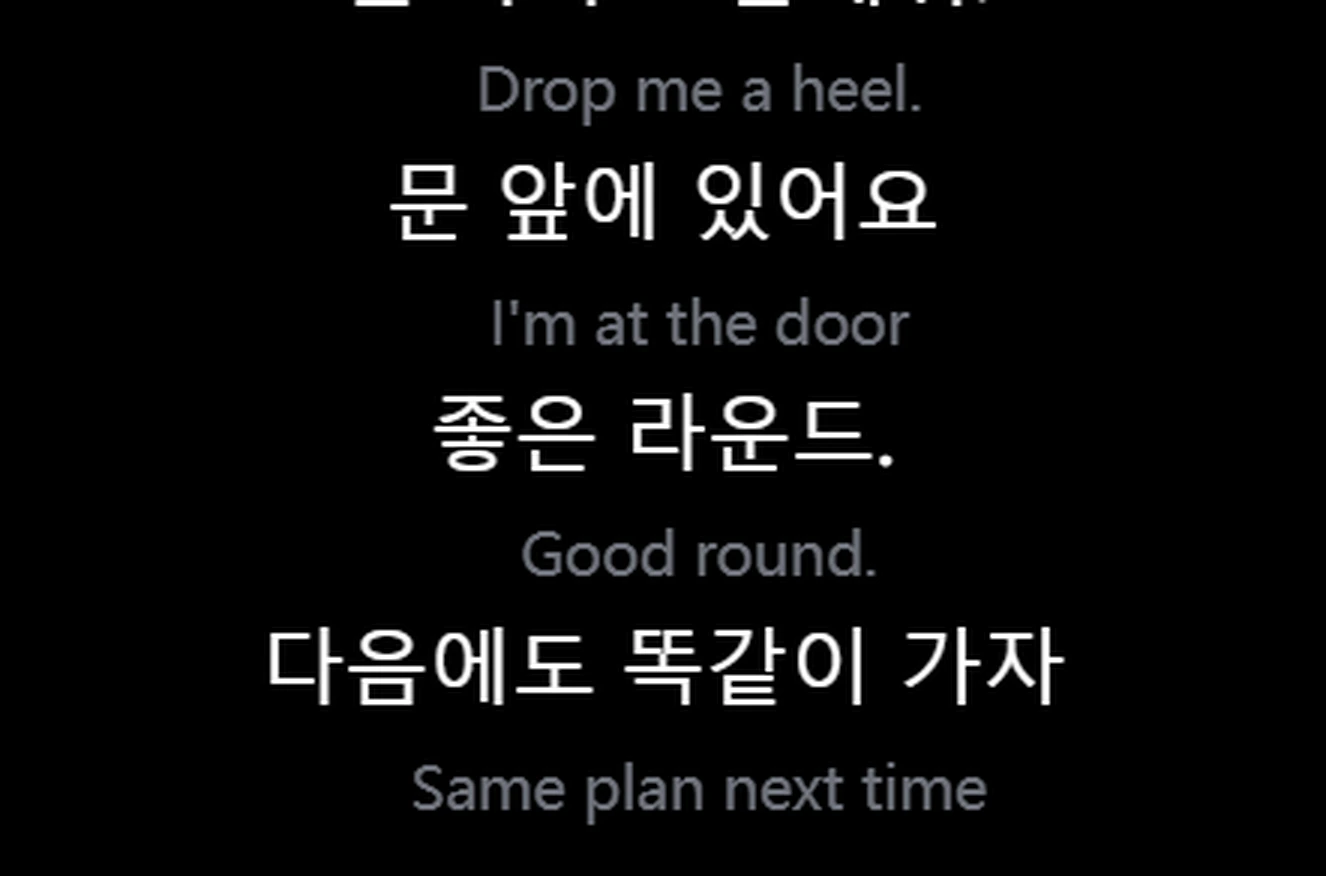
EngelsKoreaansEngelsChineesJapansEngels
Abonnementen & prijzen
Gratis beginnen. Meer als je het nodig hebt.
Upgraden doe je in de app.
Je startpunt
Gratis
US$0Ongeveer 2 uur spraakvertaling per dag
Geen creditcard nodig om te beginnen.
De nieuwste Unitra Engine
Alle 35 talen
Vertaling van spraak en chat, plus handmatige vertaling van screenshots
Overlay in de game
Cloud-assistentie: soepelere spraakherkenning als je pc zwaar belast is
Actieprijzen kunnen aflopen. Optioneel gegevens delen verdubbelt het Gratis-tegoed; staat standaard uit.
Prijzen in je lokale valuta; bij het afrekenen in die valuta in rekening gebracht.
Audio blijft op je apparaat, tenzij je kiest om te delen. Met cloud-assistentie bereiken alleen spraakkenmerken onze eigen servers, en die worden nooit opgeslagen Privacybeleid
In de match
Jouw game. Jouw overlay.
De game, de overlay linksonder, het hoofdvenster rechts.
DoorklikbaarMuis en toetsen gaan naar de game. Zet hem vast waar je wilt.
Draait ook op minder krachtige pc'sDe invloed op je framerate is meestal verwaarloosbaar. Op een minder krachtige of drukke pc voert cloud-assistentie de zwaarste herkenningsstap uit op onze eigen servers
~1 sEnd-to-end-latentie van de vertaling.
Plug-and-playWerkt meteen met de voicechat van je game en je microfoon.
Voor streamers
Bereik kijkers die jouw taal niet spreken.
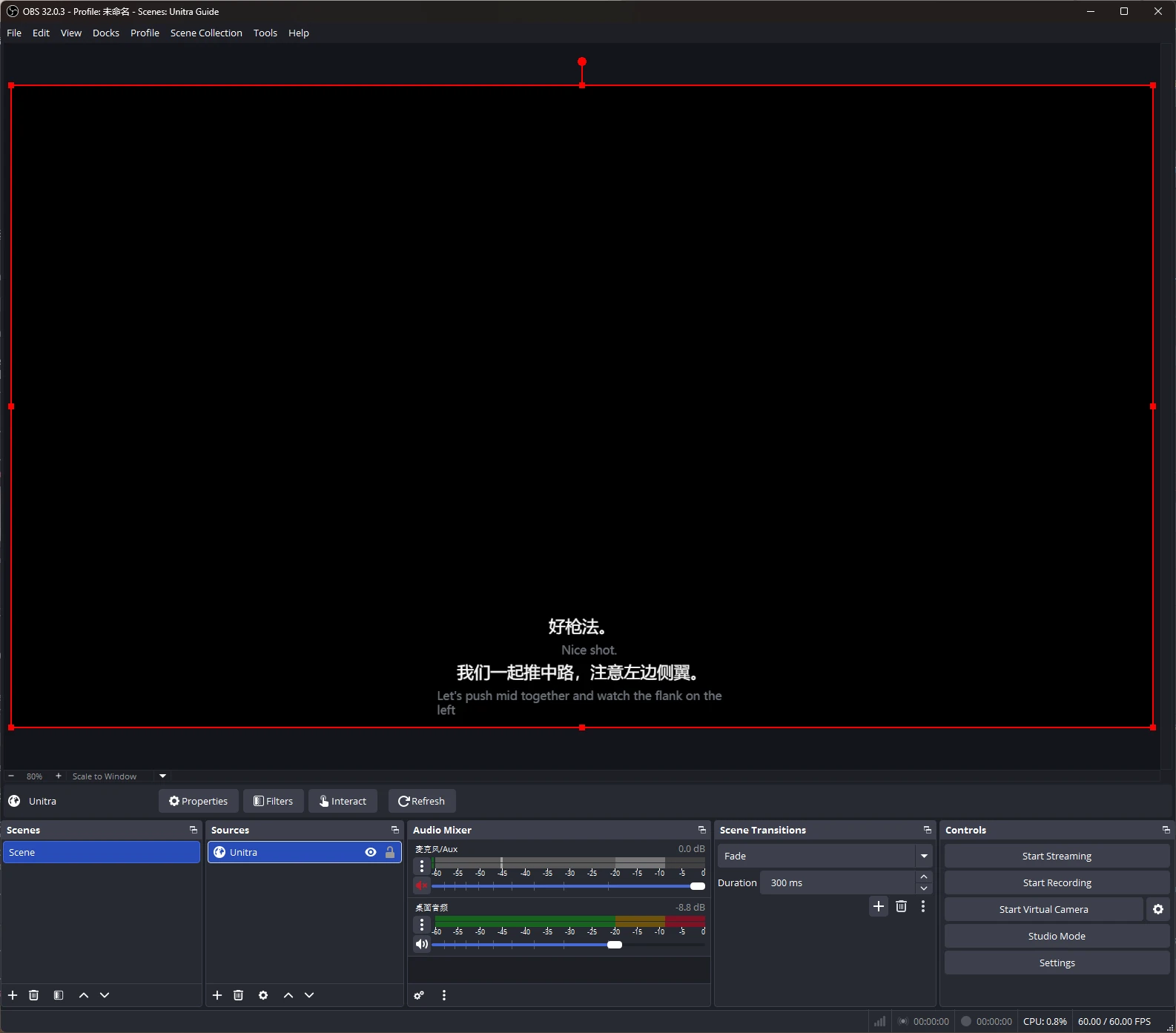
Vertaalde ondertitels in je stream, toegevoegd aan OBS Studio als browserbron.
Geef ze je eigen stijl met Overlay Studio: lettertypen, contouren, thema's en presets. Champion.
OBS Studio is een handelsmerk van de respectieve eigenaren. Unitra AI is een onafhankelijke tool, niet verbonden aan of goedgekeurd door het OBS Project.
Unitra AI vangt bureaubladaudio en je microfoon op in Windows en macOS, inclusief voicechat in games en Discord-gesprekken. Geen configuratie per game en geen aparte audiorouting.
Heeft het invloed op mijn framerate?
De overlay is geoptimaliseerd voor laag CPU- en GPU-gebruik, en de invloed op je framerate is meestal verwaarloosbaar. Op een minder krachtige of drukke pc voert cloud-assistentie de zwaarste stap van de spraakherkenning uit op onze eigen privéservers, zodat de vertaling soepel blijft. Exacte cijfers hangen af van je hardware en de game.
Kan ik gratis beginnen?
Ja. Ongeveer 2 uur spraakvertaling per dag, met alle talen en de overlay. Geen creditcard nodig.
Waar koop ik een abonnement?
In de app, in je lokale valuta.
Kunnen mijn teamgenoten de vertaling horen?
Ja, met Spraakuitvoer in Champion (Windows). Unitra AI spreekt je vertaalde woorden uit via de virtuele Unitra-microfoon, die je één keer instelt en als microfoon kiest in je game of Discord. Je team hoort je in hun eigen taal ongeveer 1 à 2 seconden nadat je een zin hebt afgemaakt, met stemmen in 10 talen.
Werkt het in games op volledig scherm?
Ja. In randloos of venstermodus blijft de overlay zoals altijd bovenop. Verbergt een game in exclusief volledig scherm hem, dan toont de gratis Xbox Game Bar-widget dezelfde ondertitels boven de game. Eén keer instellen, op Windows 10 of 11.