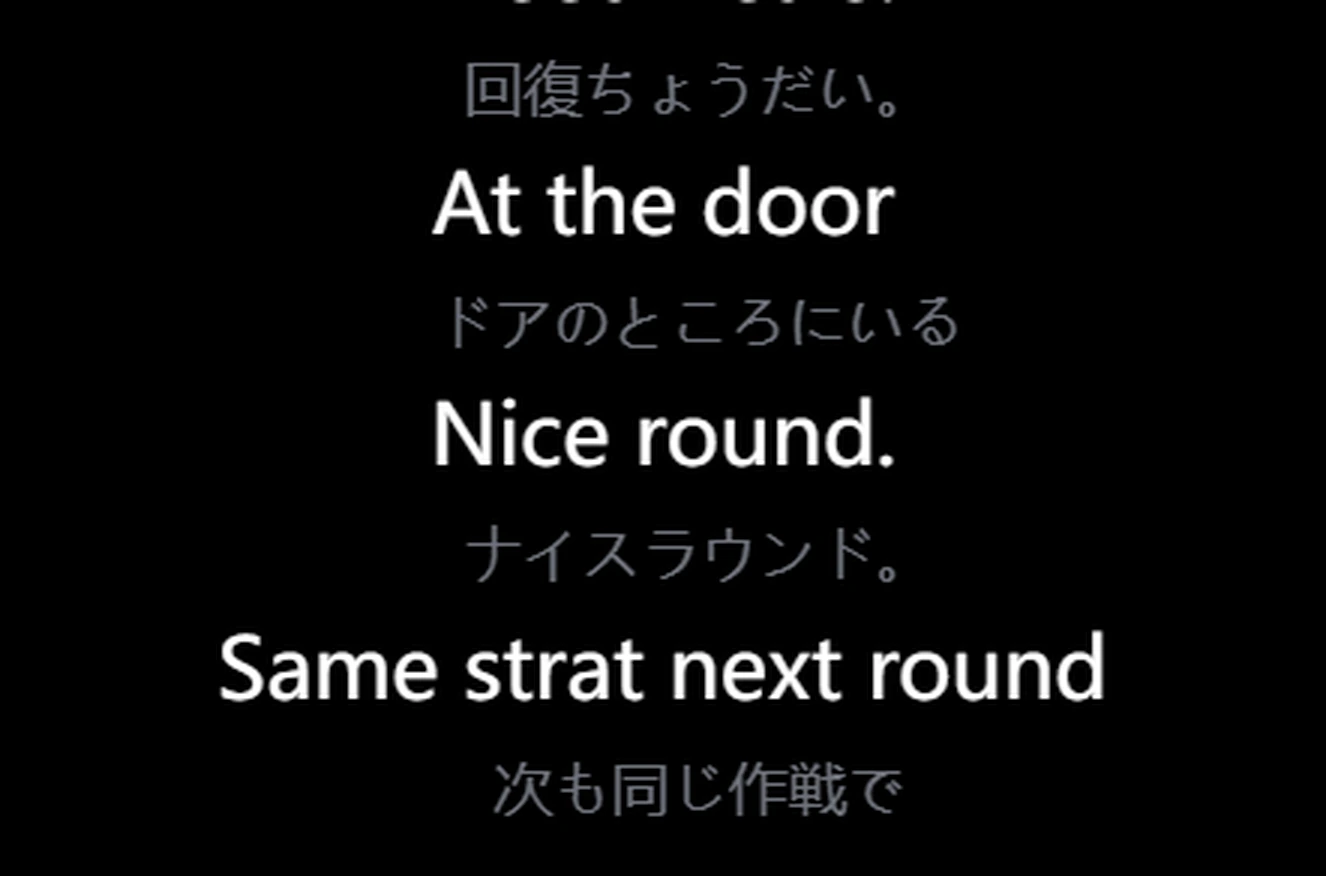
Parla come fai sempre. Unitra AI traduce quello che dici e lo pronuncia nella chat vocale del gioco o su Discord, così il team ti sente nella sua lingua.
Output reale della versione pubblicata. Le frasi in cinese sono una clip vocale registrata; la voce inglese è quella che sente la tua squadra
Schermo
Leggi l'interfaccia del gioco.
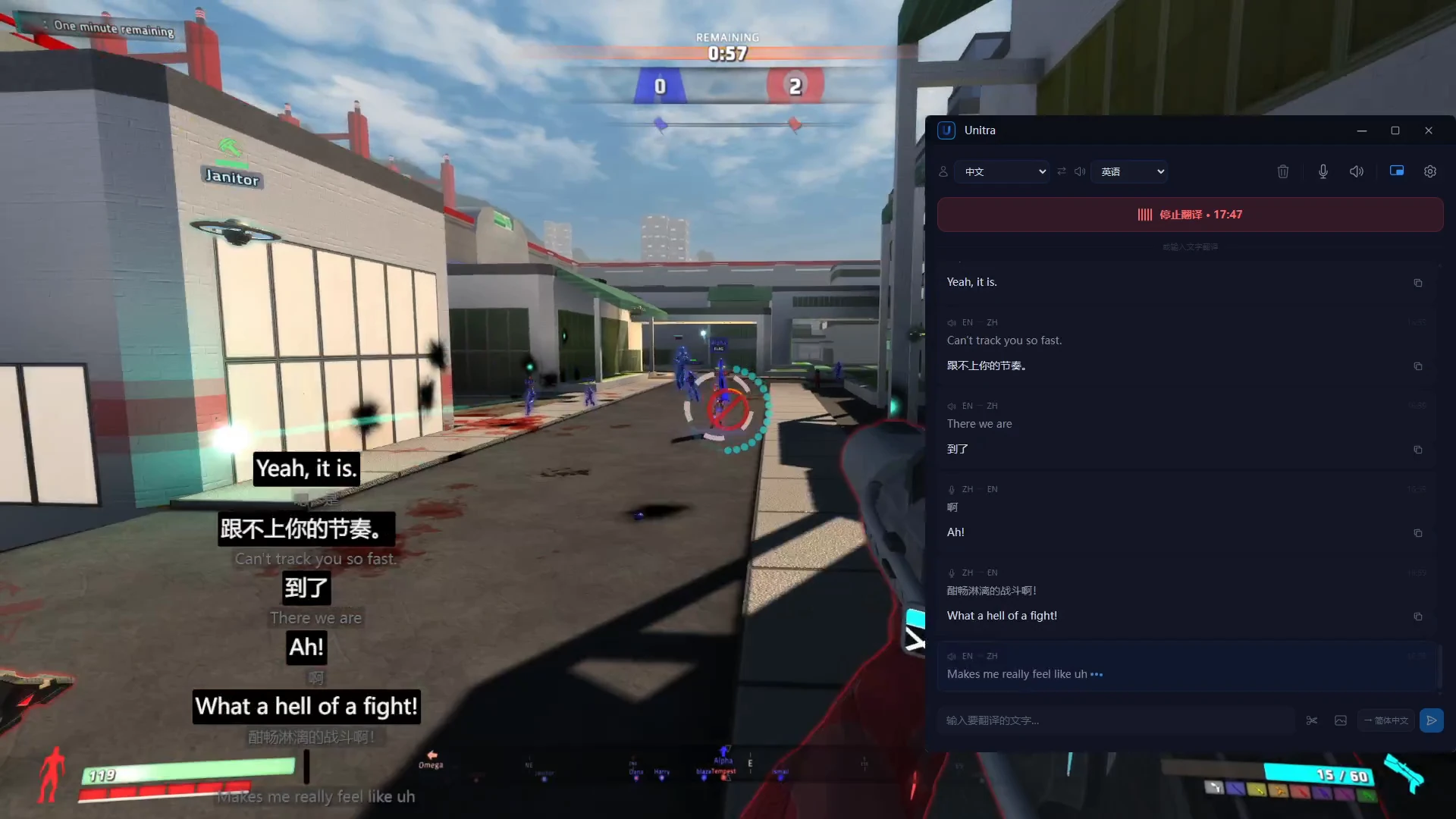
La chat di gioco e il testo a schermo, tradotti man mano che cambiano. Scegli l'area della chat una volta e Unitra AI continua a leggerla.
Traduzione automatica dello schermo: scegli un'area una volta e ogni nuovo messaggio della chat viene tradotto appena compare, senza ritagli. Pass giornaliero e Champion, su Windows
Chat del nostro gioco dimostrativo, dall'inglese al cinese. Output reale della versione pubblicata
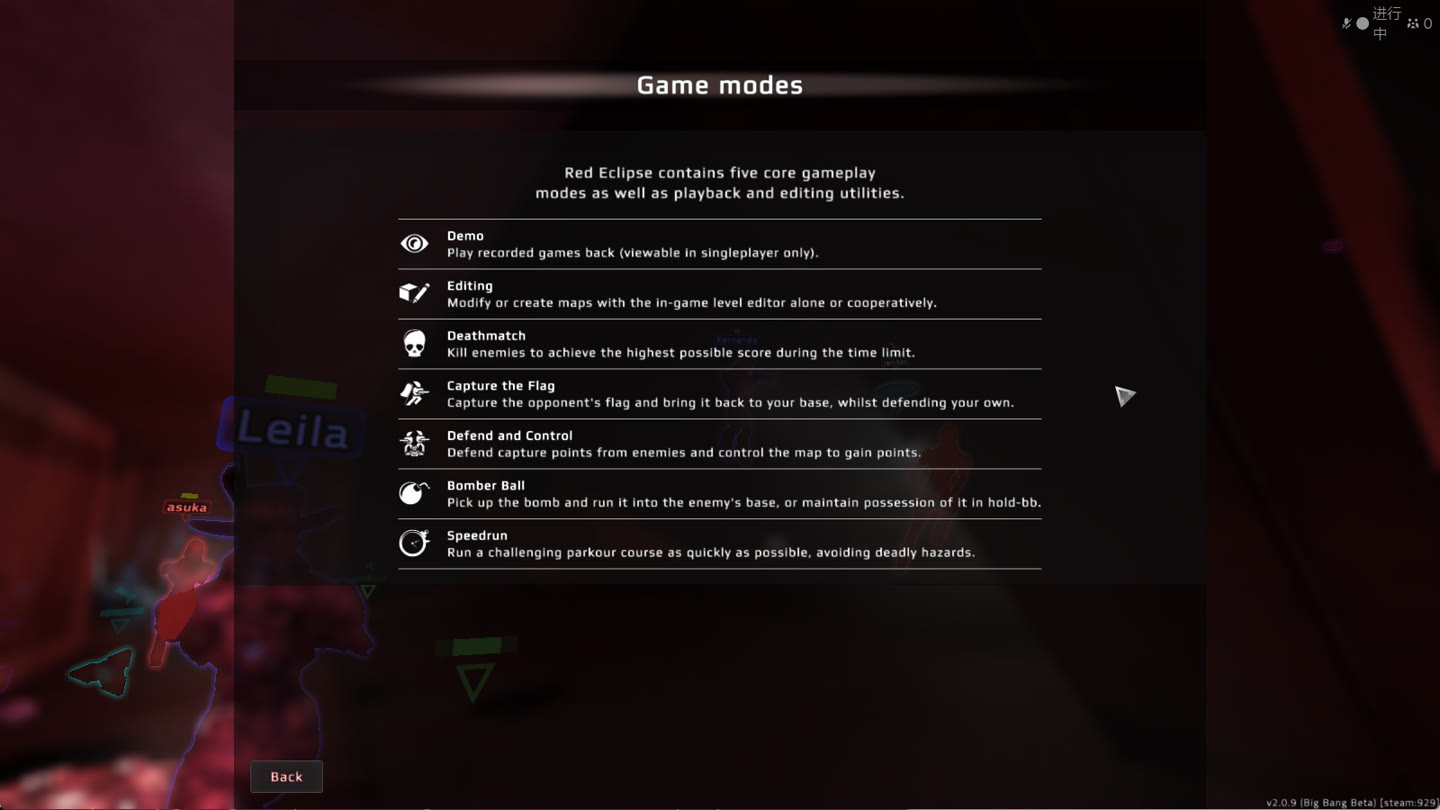
Una tantum: ritaglia qualsiasi menu o diario delle missioni
1 Premi la scorciatoia di ritaglio e trascina sul testo.2 Riconosciuto e tradotto nella finestra principale.
Schermata di aiuto di Red Eclipse, dall'inglese al giapponese. Output reale della versione pubblicata. Scopri la traduzione dello schermo
Chat
Traduci il tuo prossimo messaggio.
Scrivi o incolla il testo della chat. La traduzione è pronta da ricopiare nel gioco, in entrambe le direzioni.
IngleseCoreanoIngleseCineseGiapponeseInglese
Piani & prezzi
Gratis per iniziare. Di più quando serve.
Passa a un piano superiore dall'app.
Il tuo punto di partenza
Gratuito
US$0Circa 2 ore di traduzione vocale al giorno
Nessuna carta di credito per iniziare.
L'ultimo Unitra Engine
Tutte le 35 lingue
Traduzione di voce e chat, più traduzione manuale degli screenshot
Overlay in gioco
Assistenza cloud: riconoscimento vocale più fluido quando il PC è sotto carico
I prezzi promozionali possono terminare. La condivisione dei dati, facoltativa e disattivata per impostazione predefinita, raddoppia il limite del piano Gratuito.
Prezzi mostrati nella tua valuta locale; addebitati in quella valuta al momento del pagamento.
L'audio resta sul tuo dispositivo, a meno che tu non scelga di condividerlo. Con l'assistenza cloud, ai nostri server arrivano solo caratteristiche vocali, che non vengono mai salvate Informativa sulla privacy
In partita
Il tuo gioco. Il tuo overlay.
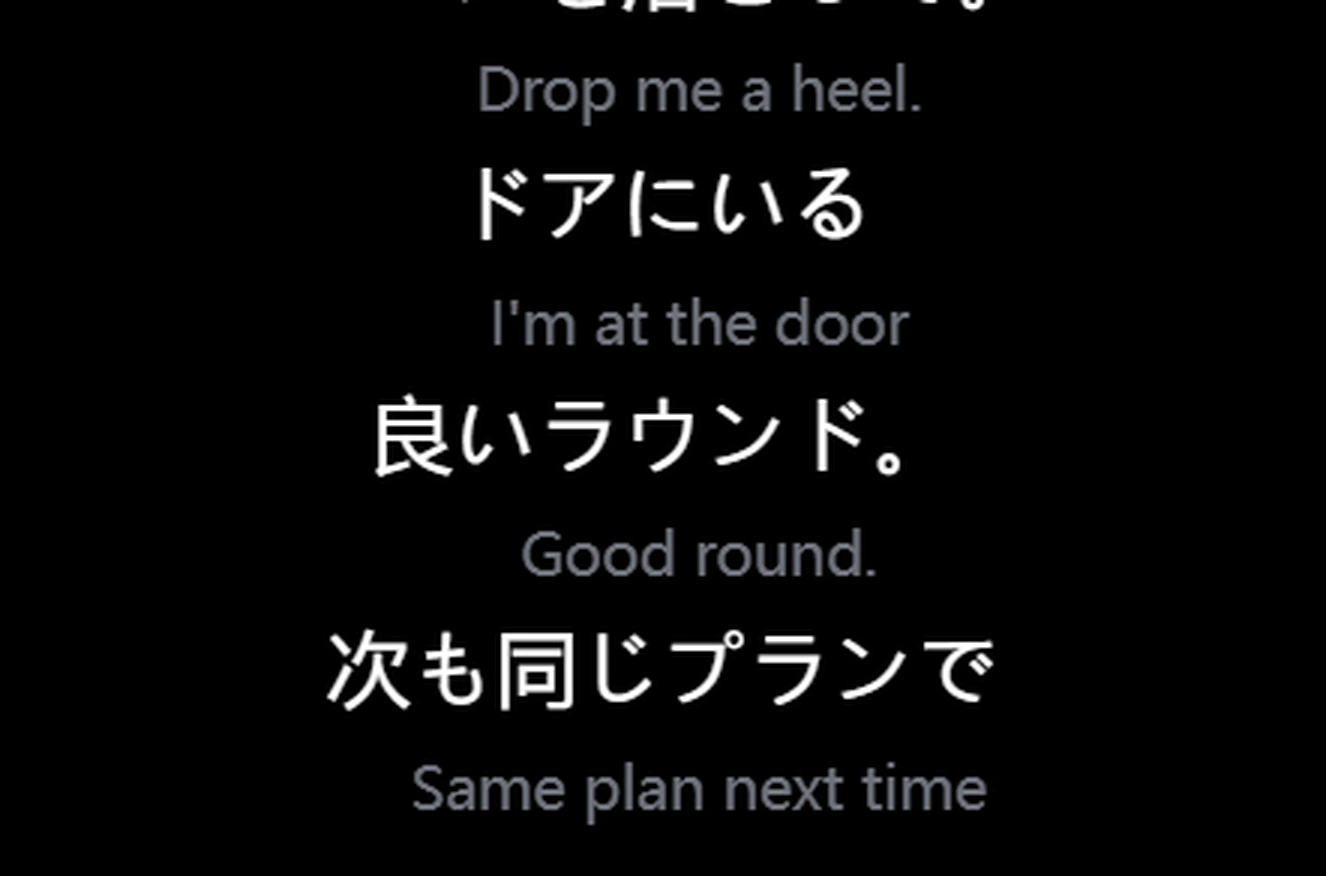
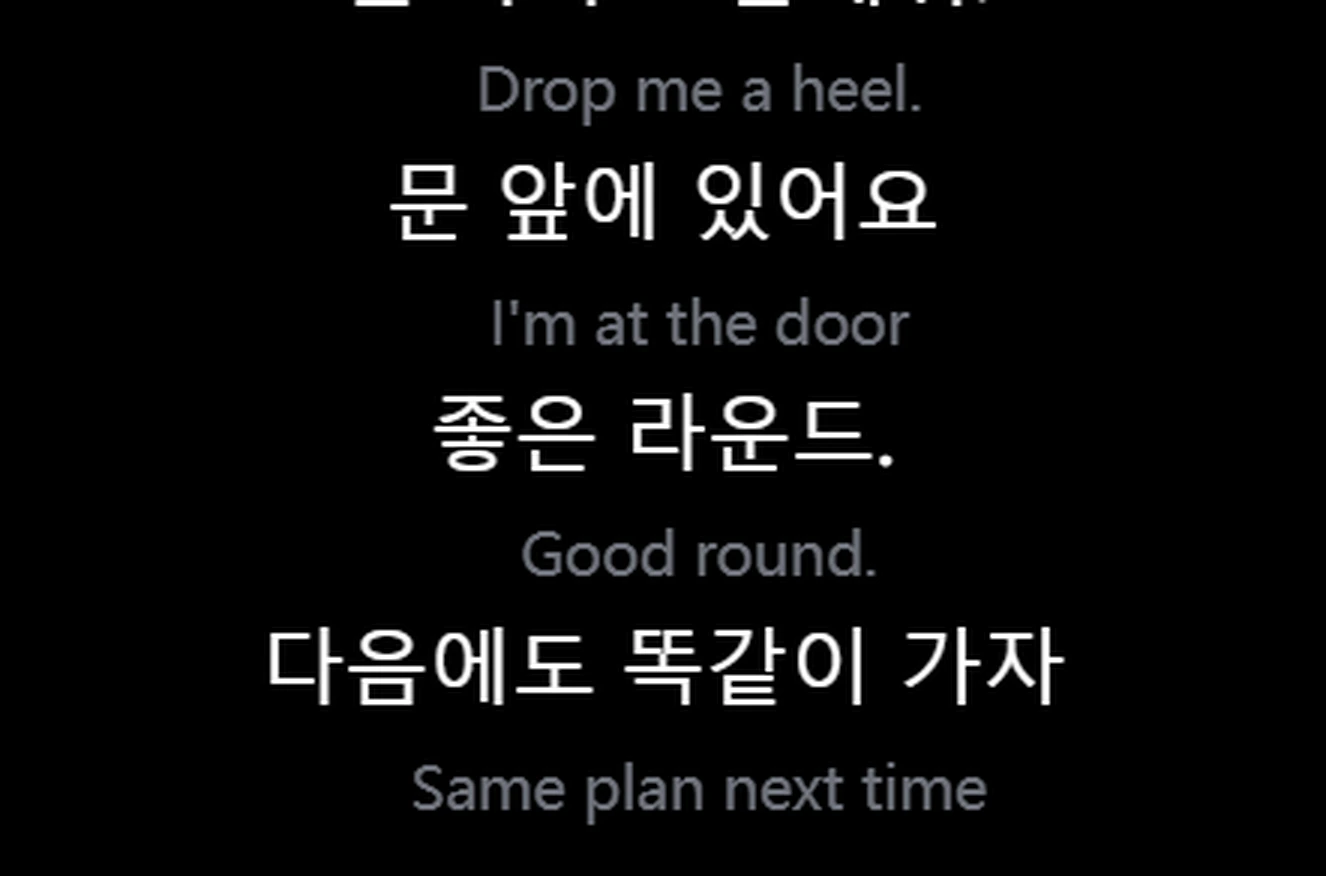
Il gioco, l'overlay in basso a sinistra, la finestra principale a destra.
Voce in ingleseGiapponeseVoce in ingleseCoreanoVoce in giapponeseInglese
Clic passantiMouse e tastiera restano al gioco. Bloccalo dove vuoi.
Funziona anche su PC meno potentiL'impatto sugli FPS è di solito trascurabile. Su un PC meno potente o sotto carico, l'assistenza cloud esegue la fase di riconoscimento più pesante sui nostri server
~1 sLatenza di traduzione end-to-end.
Pronto all'usoFunziona subito con la chat vocale del gioco e il tuo microfono.
Per gli streamer
Raggiungi chi non parla la tua lingua.
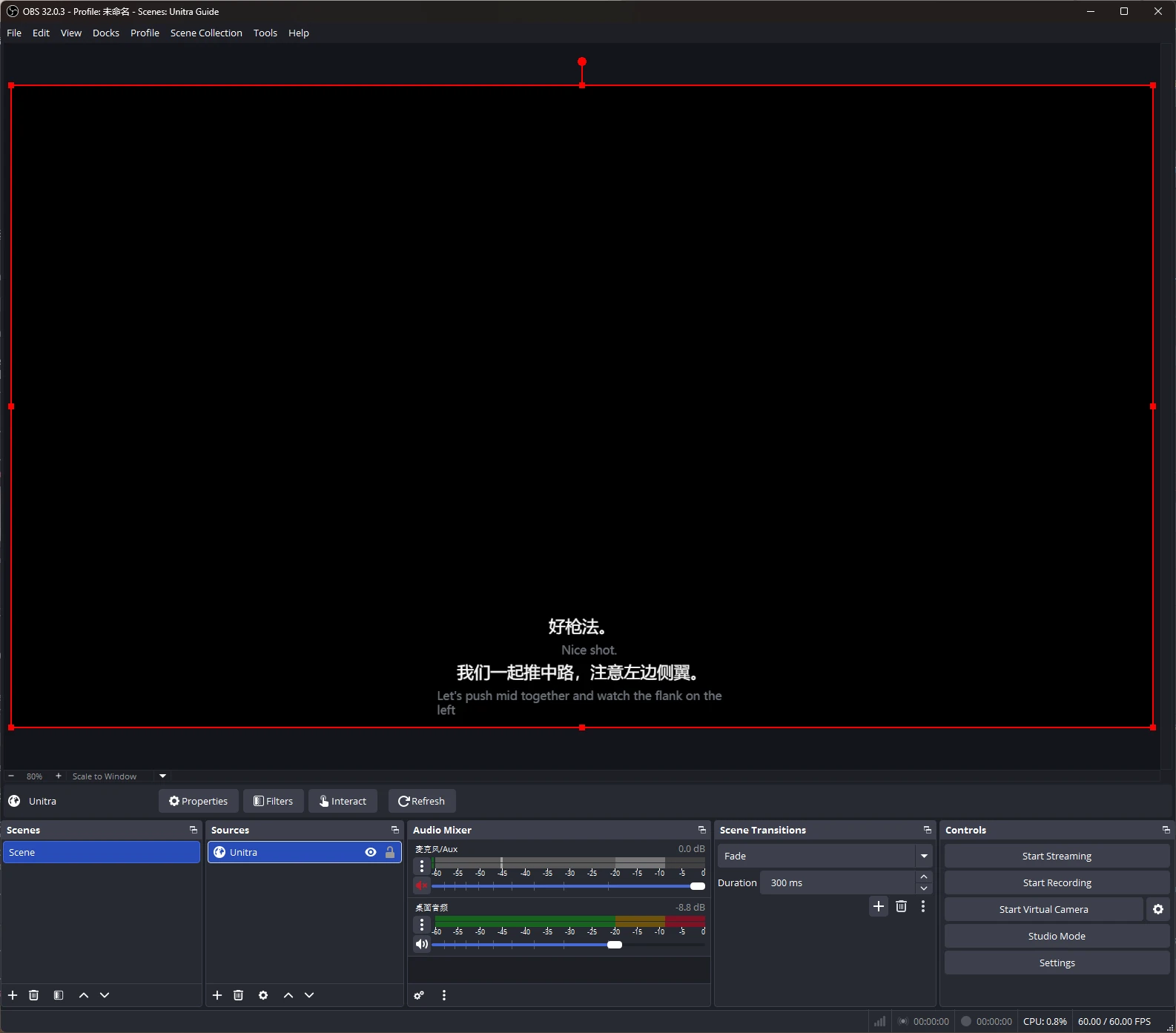
Sottotitoli tradotti nella tua live, aggiunti a OBS Studio come sorgente browser.
Personalizzali con Overlay Studio: caratteri, contorni, temi e preimpostazioni. Champion.
Unitra AI cattura l'audio del desktop e il tuo microfono su Windows e macOS, compresa la chat vocale dei giochi e le chiamate Discord. Nessuna configurazione per gioco né instradamento audio separato.
Abbasserà i miei FPS?
L'overlay è ottimizzato per usare poca CPU e GPU, e l'impatto sugli FPS è di solito trascurabile. Su un PC meno potente o sotto carico, l'assistenza cloud esegue la fase più pesante del riconoscimento vocale sui nostri server privati, così la traduzione resta fluida. I valori esatti dipendono dal tuo hardware e dal gioco.
Posso iniziare gratis?
Sì. Circa 2 ore di traduzione vocale al giorno, con tutte le lingue e l'overlay. Nessuna carta di credito.
Dove acquisto un piano?
Nell'app, nella tua valuta locale.
I miei compagni possono sentire la traduzione?
Sì, con l'Uscita vocale di Champion (Windows). Unitra AI pronuncia le tue parole tradotte tramite il microfono virtuale Unitra, che configuri una volta e scegli come microfono nel gioco o su Discord. Il team ti sente nella sua lingua circa 1-2 secondi dopo che hai finito la frase, con voci in 10 lingue.
Funziona nei giochi a schermo intero?
Sì. In modalità senza bordi o in finestra, l'overlay resta in primo piano come sempre. Se un gioco a schermo intero esclusivo lo copre, il widget gratuito di Xbox Game Bar mostra gli stessi sottotitoli sopra il gioco. Si configura una volta sola, su Windows 10 o 11.