Während der offenen Beta kostenlos herunterladen und testen.
~1 sEnde-zu-Ende-Latenz
35Unterstützte Sprachen
12+Spiele mit eigenem Wortschatz
>90%Genauigkeit der Gaming-Begriffe
Sprache
Hör zu. Lies die Übersetzung.
Dein Mikro und der Voice-Chat deiner Mitspieler, zusammen übersetzt.
Spielst du im exklusiven Vollbild? Das kostenlose Xbox Game Bar-Widget hält die Untertitel im Vordergrund. Unterstützung für Vollbildspiele
Voice to Voice
Du sprichst Deutsch. Dein Team hört Englisch.
Red einfach wie immer. Unitra AI übersetzt, was du sagst, und spricht es in den Voice-Chat im Spiel oder auf Discord. Dein Team hört dich in seiner Sprache.
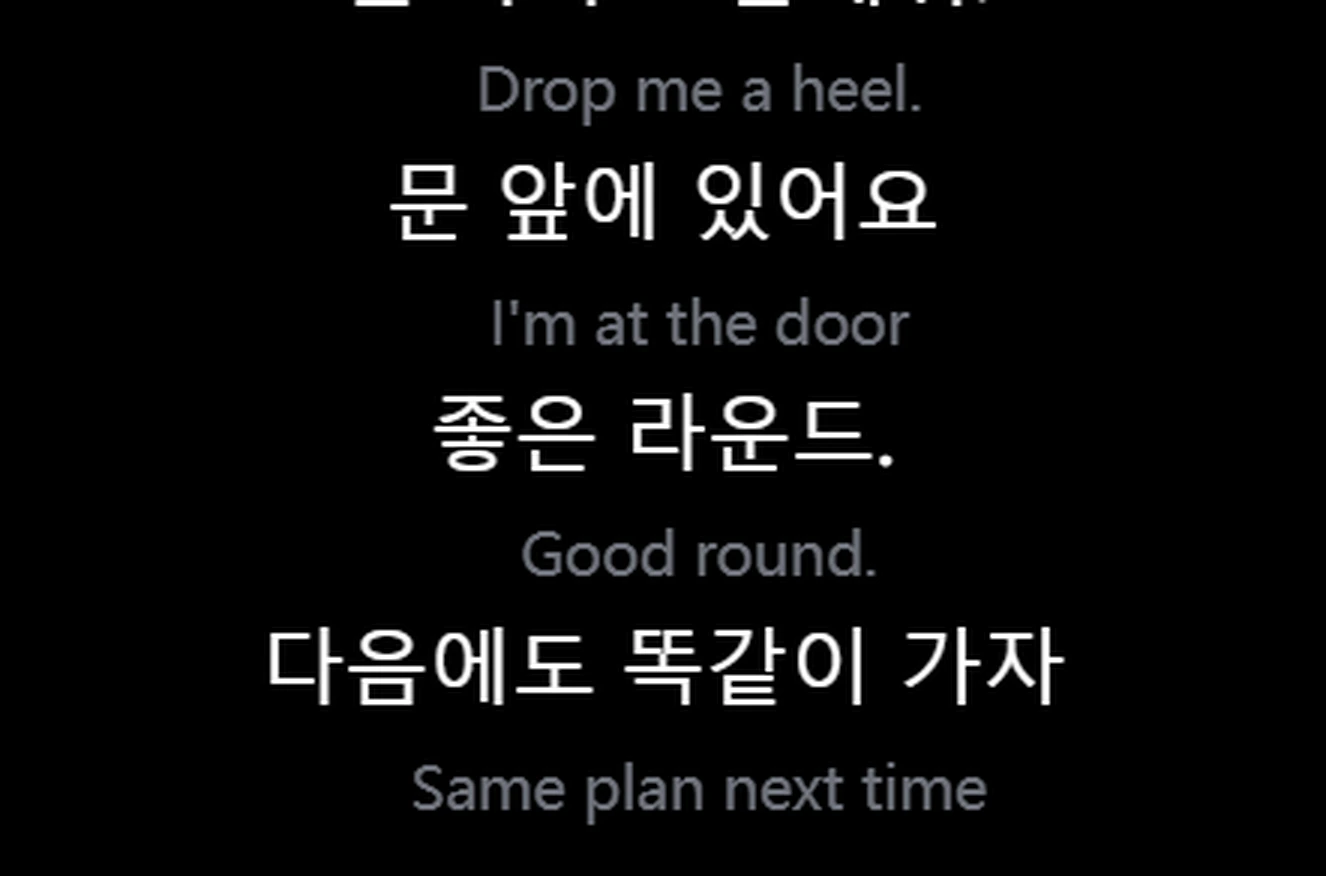
Echte Ausgabe der veröffentlichten Version. Die chinesischen Sätze sind ein aufgenommener Sprachclip, die englische Stimme hört dein Team
Bildschirm
Lies die Spiel-UI.
Spielchat und Bildschirmtext, übersetzt, sobald sie sich ändern. Wähle den Chatbereich einmal aus, und Unitra AI liest ihn laufend mit.
Automatische Bildschirmübersetzung: Bereich einmal auswählen, und jede neue Chatzeile wird übersetzt, sobald sie erscheint, ganz ohne Ausschnitt. Mit Tagespass und Champion, unter Windows
Chat aus unserem Demo-Spiel, Englisch nach Chinesisch. Echte Ausgabe der veröffentlichten Version
Einmalig: Schneide ein Menü oder Questlog aus
1 Drück das Ausschnitt-Tastenkürzel und zieh über den Text.2 Im Hauptfenster erkannt und übersetzt.
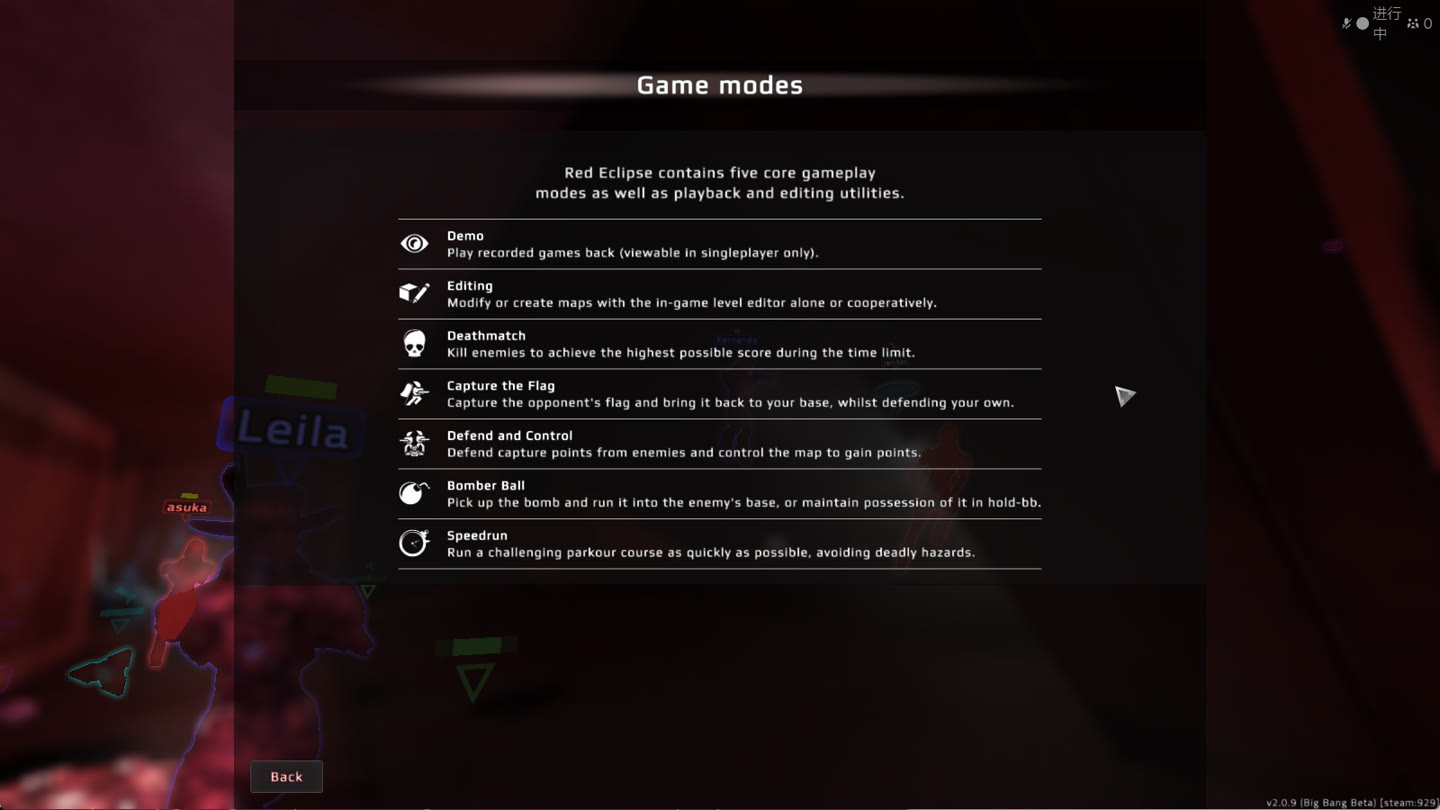
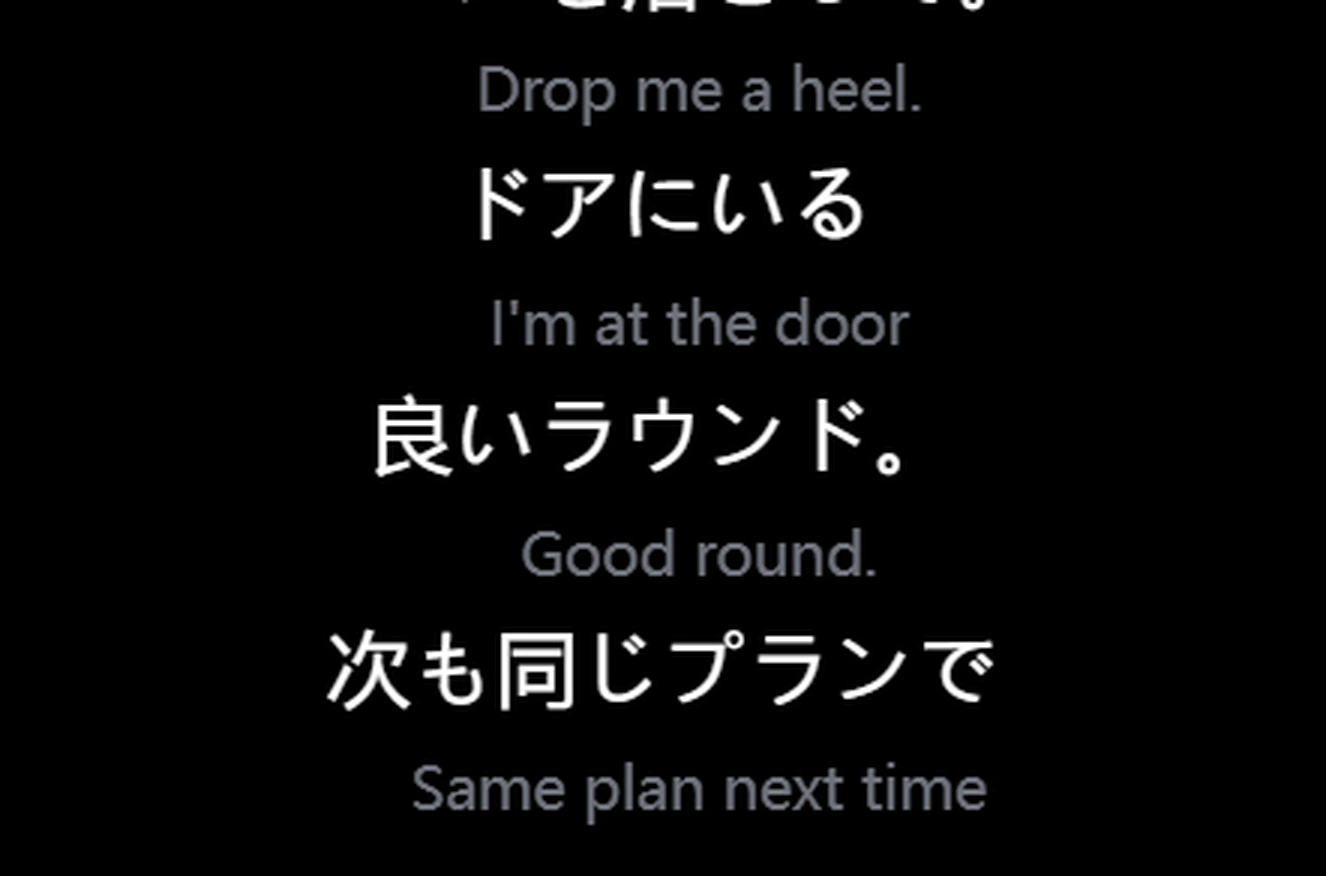
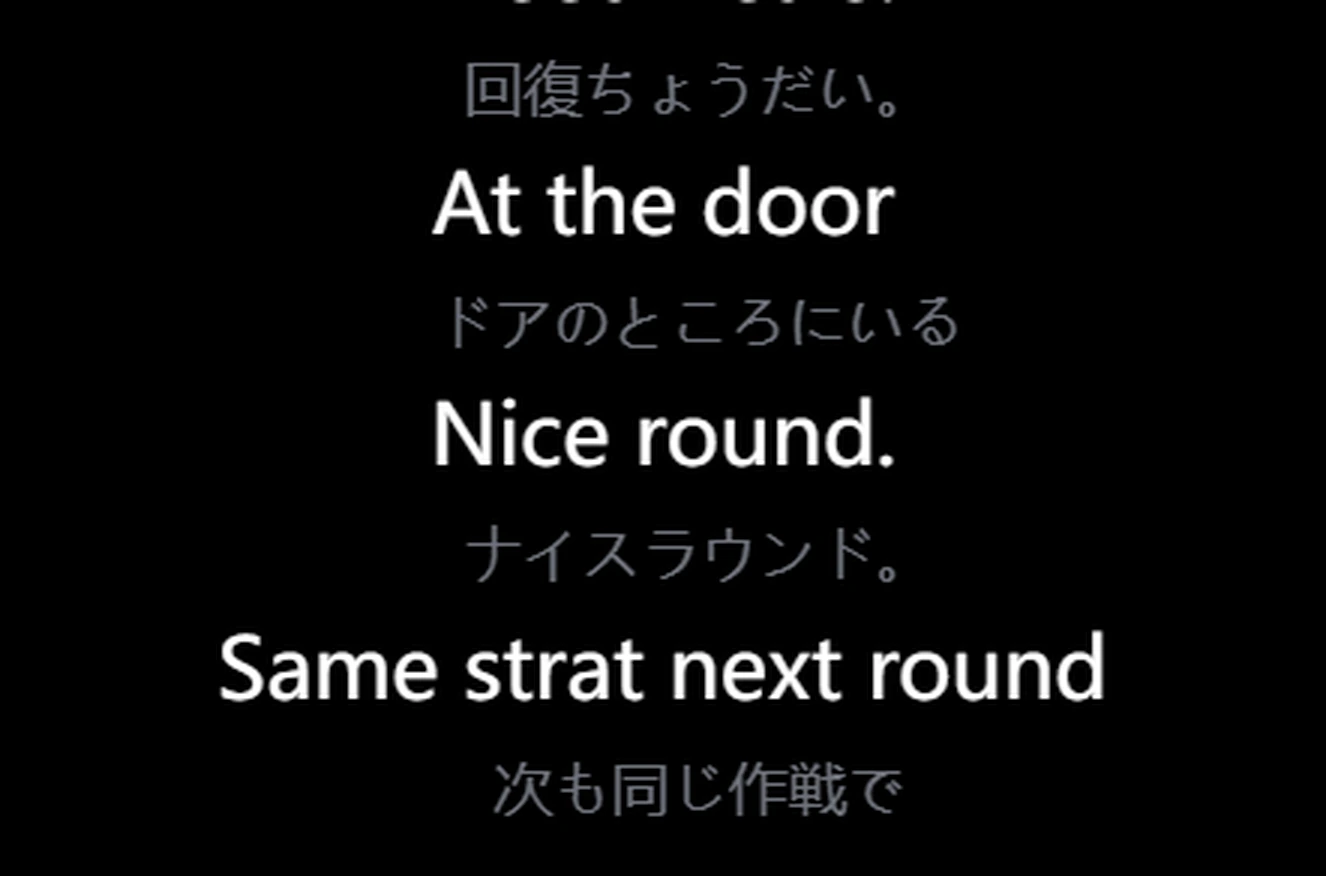
Hilfebildschirm von Red Eclipse, Englisch nach Japanisch. Echte Ausgabe aus dem Release-Build. Bildschirmübersetzung entdecken
Chat
Übersetze deine nächste Nachricht.
Chattext tippen oder einfügen. Die Übersetzung ist bereit zum Zurückkopieren ins Spiel, in beide Richtungen.
Aktionspreise können enden. Optionales Teilen von Daten verdoppelt das Kontingent des kostenlosen Tarifs; standardmäßig aus.
Preise in deiner lokalen Währung; beim Checkout in dieser Währung abgerechnet.
Audio bleibt auf deinem Gerät, solange du nicht dem Teilen zustimmst. Mit Cloud-Unterstützung erreichen nur Sprachmerkmale unsere eigenen Server, und sie werden nie gespeichert Datenschutzerklärung
Im Match
Dein Spiel. Dein Overlay.
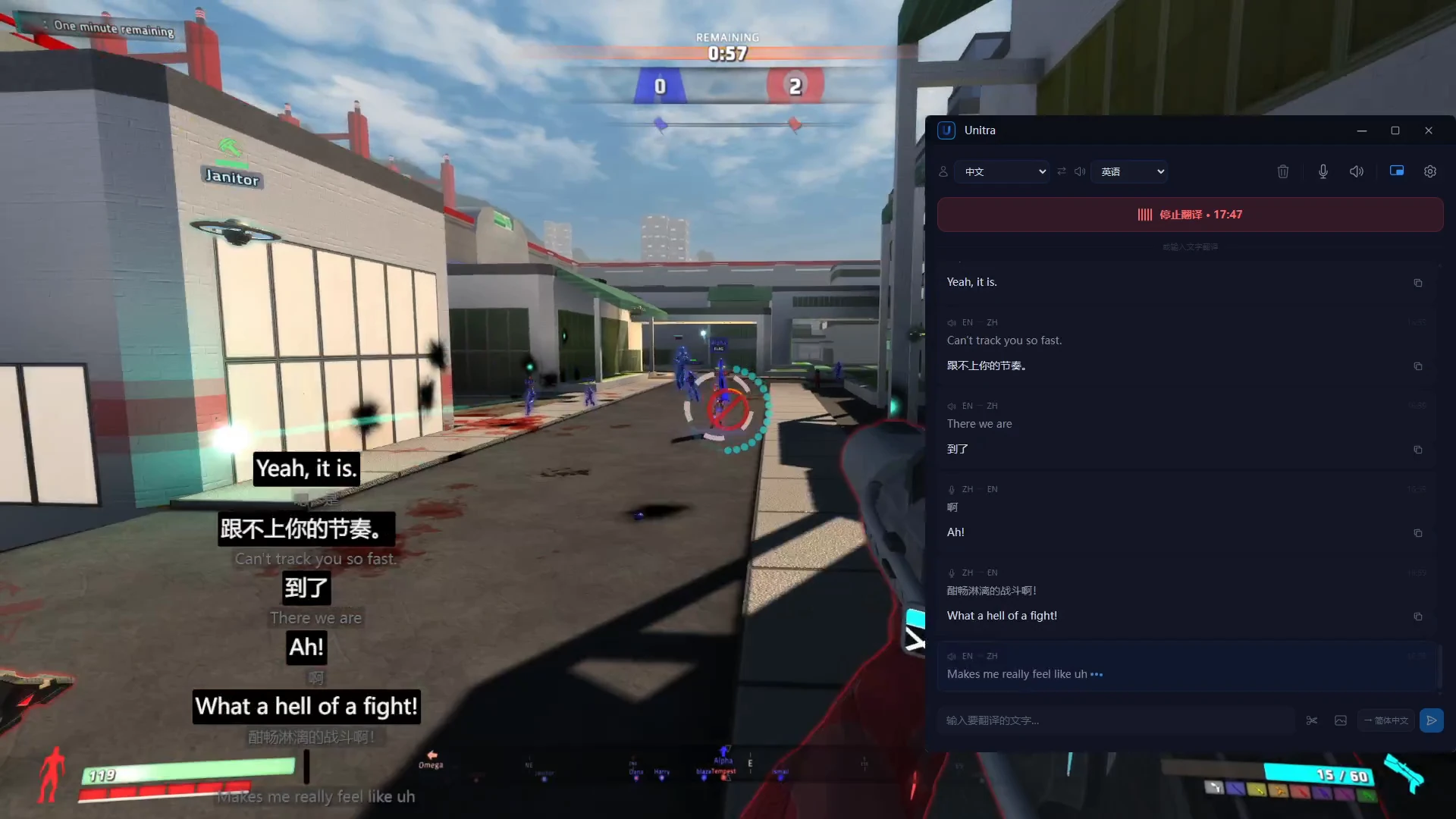
Das Spiel, das Overlay unten links, das Hauptfenster rechts.
Klick-durchlässigMaus und Tastatur gehen ans Spiel. Fixier es, wo du willst.
Läuft auch auf schwächeren PCsDer Einfluss auf die Framerate ist meist vernachlässigbar. Auf einem schwächeren oder ausgelasteten PC übernimmt die Cloud-Unterstützung den aufwendigsten Erkennungsschritt auf unseren eigenen Servern
~1 sEnde-zu-Ende-Latenz der Übersetzung.
Plug and PlayFunktioniert sofort mit dem Voice-Chat deines Spiels und deinem Mikro.
Für Streamer
Erreiche Zuschauer, die deine Sprache nicht sprechen.
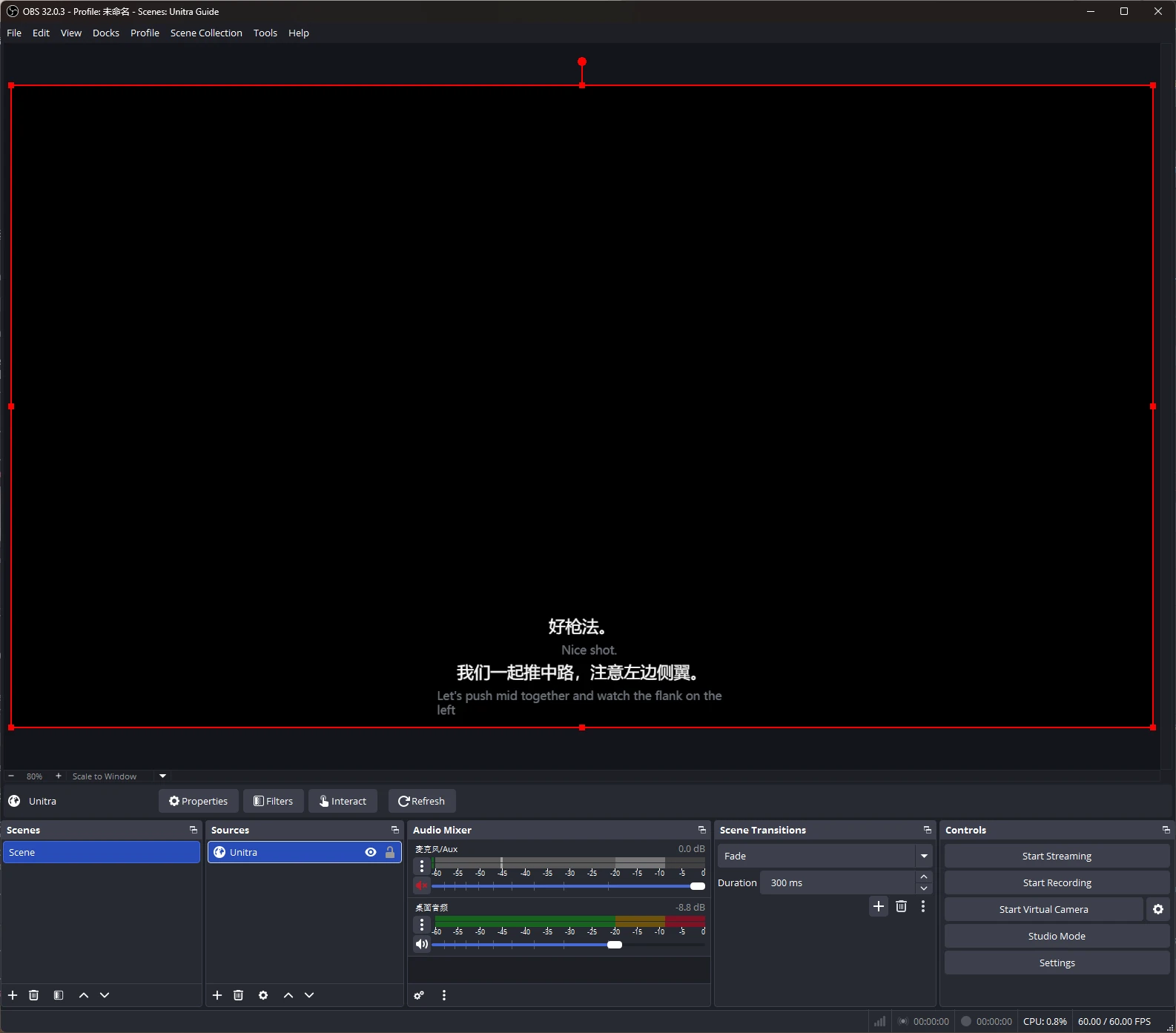
Übersetzte Untertitel in deinem Stream, in OBS Studio als Browserquelle eingebunden.
Gestalte sie mit Overlay Studio: Schriftarten, Konturen, Themen und Voreinstellungen. Champion.
OBS Studio ist eine Marke der jeweiligen Inhaber. Unitra AI ist ein unabhängiges Tool und weder mit dem OBS Project verbunden noch von ihm unterstützt.
Unitra AI erfasst Desktop-Audio und dein Mikro unter Windows und macOS, einschließlich Voice-Chat im Spiel und Discord-Calls. Keine Konfiguration pro Spiel, kein separates Audio-Routing.
Beeinflusst es meine Framerate?
Das Overlay ist auf geringe CPU- und GPU-Last optimiert, der Einfluss auf die Framerate ist meist vernachlässigbar. Auf einem schwächeren oder ausgelasteten PC übernimmt die Cloud-Unterstützung den aufwendigsten Schritt der Spracherkennung auf unseren eigenen privaten Servern, sodass die Übersetzung flüssig bleibt. Genaue Werte hängen von deiner Hardware und dem Spiel ab.
Kann ich kostenlos starten?
Ja. Rund 2 Stunden Sprachübersetzung pro Tag, mit allen Sprachen und dem Overlay. Keine Kreditkarte nötig.
Wo kaufe ich einen Tarif?
In der App, in deiner lokalen Währung.
Können meine Teamkollegen die Übersetzung hören?
Ja, mit der Sprachausgabe in Champion (Windows). Unitra AI spricht deine übersetzten Worte über das virtuelle Unitra-Mikrofon, das du einmal einrichtest und im Spiel oder in Discord als Mikro auswählst. Dein Team hört dich etwa 1 bis 2 Sekunden nach jedem Satz in seiner Sprache, mit Stimmen in 10 Sprachen.
Funktioniert es in Vollbildspielen?
Ja. Im randlosen Fenster oder im Fenstermodus bleibt das Overlay wie gewohnt im Vordergrund. Verdeckt ein Spiel im exklusiven Vollbild es, zeigt das kostenlose Xbox Game Bar-Widget dieselben Untertitel über dem Spiel. Einmal einrichten, unter Windows 10 oder 11.