Mic của bạn và voice chat của đồng đội, dịch cùng lúc.
Đang chơi ở chế độ toàn màn hình độc quyền? Widget Xbox Game Bar miễn phí giữ phụ đề luôn nằm trên cùng. Hỗ trợ game toàn màn hình
Giọng nói sang giọng nói
Bạn nói tiếng Việt. Đồng đội nghe tiếng Anh.
Cứ mở mic nói như bình thường. Unitra AI dịch lời bạn và đọc thẳng vào voice chat trong game hoặc Discord, nên đồng đội nghe bạn bằng chính ngôn ngữ của họ.
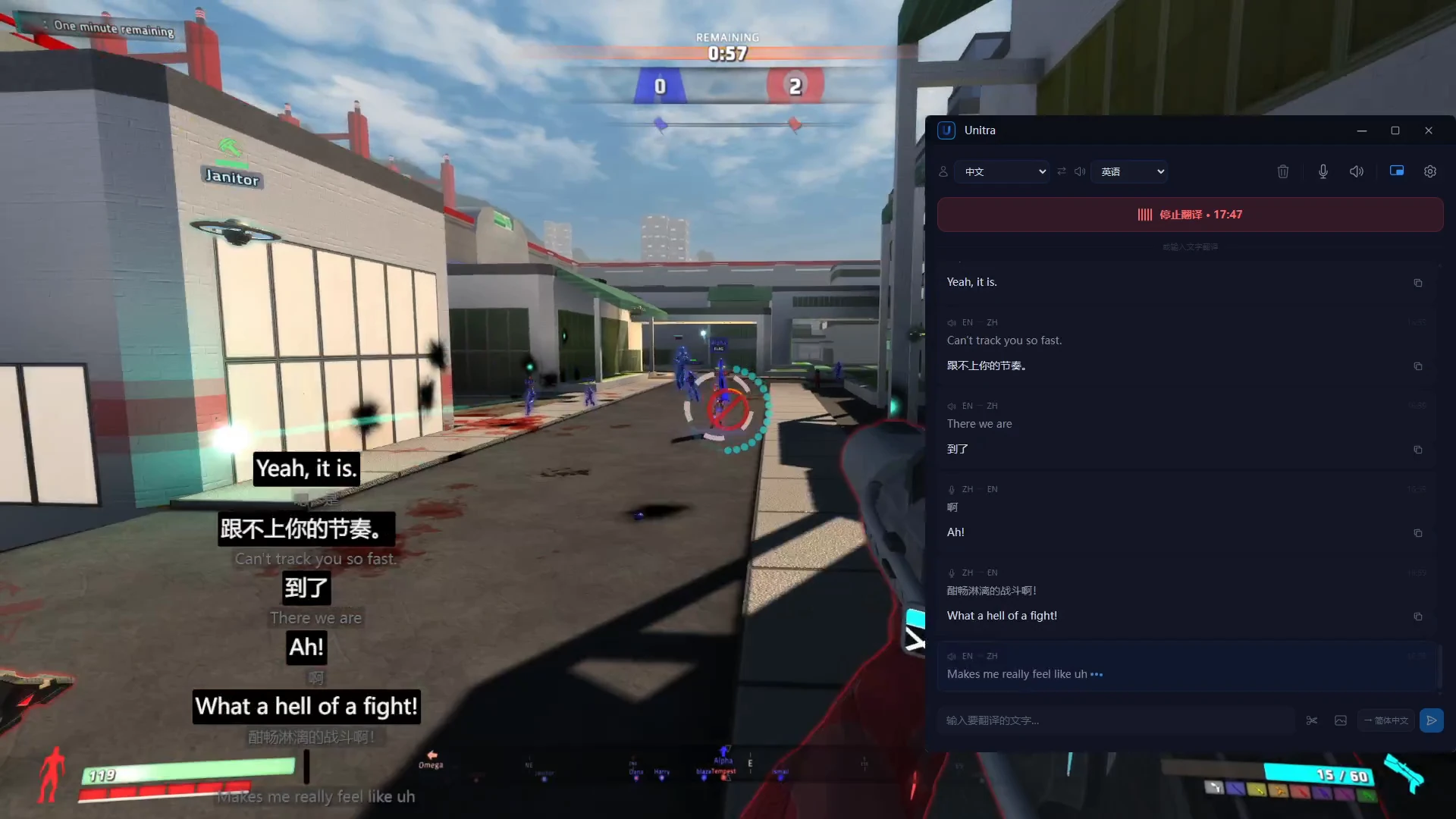
Kết quả thật từ bản phát hành. Câu tiếng Trung là đoạn giọng nói đã ghi sẵn; giọng tiếng Anh là những gì đồng đội nghe thấy
Màn hình
Đọc hiểu giao diện game.
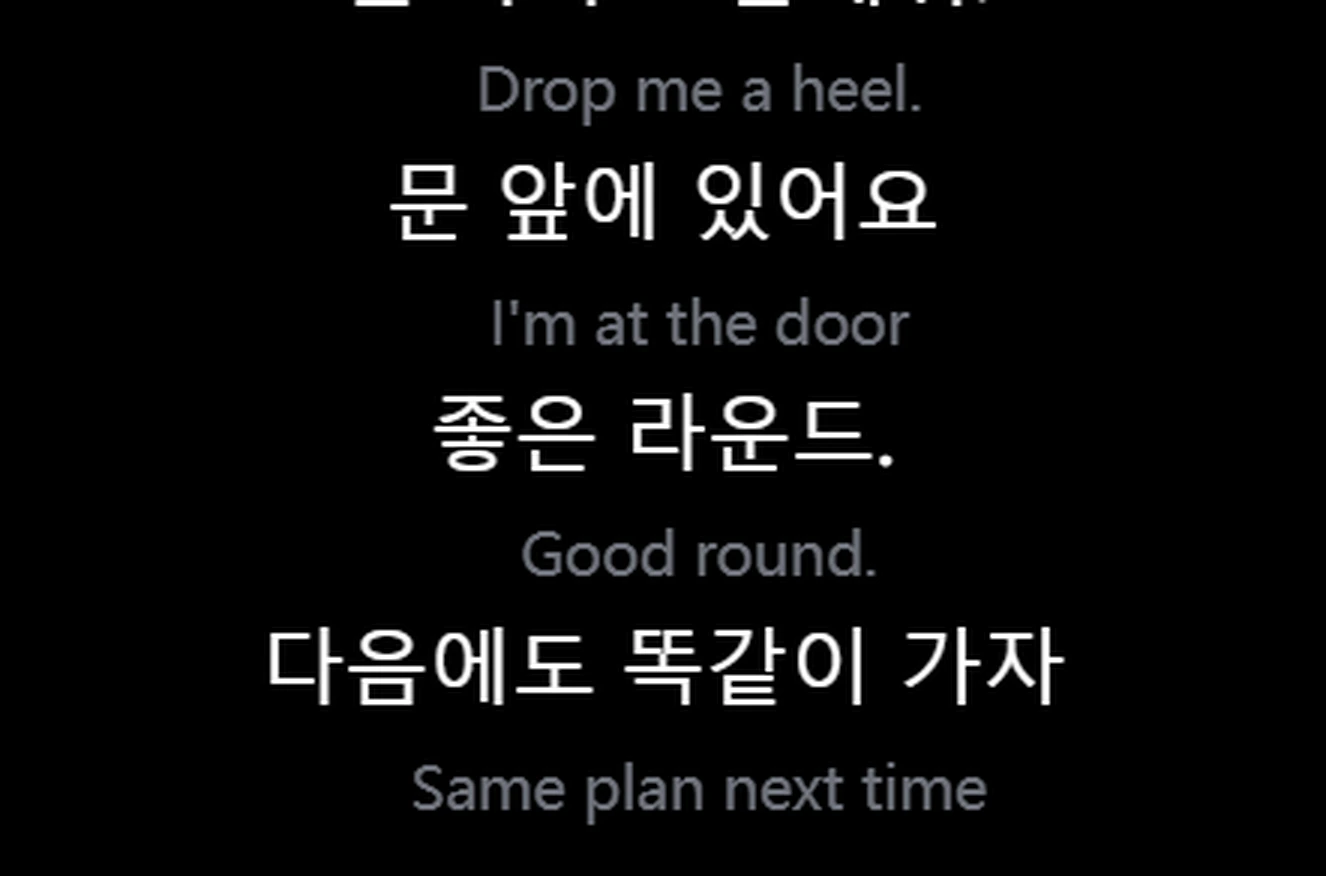
Chat trong game và chữ trên màn hình được dịch mỗi khi thay đổi. Chọn vùng chat một lần, Unitra AI sẽ tiếp tục đọc giúp bạn.
Dịch màn hình tự động: chọn vùng một lần, mỗi tin nhắn chat mới sẽ được dịch ngay khi xuất hiện, không cần chụp. Có trong Vé ngày và Champion, trên Windows
Chat trong game demo của chúng tôi, từ tiếng Anh sang tiếng Trung. Kết quả thật từ bản phát hành
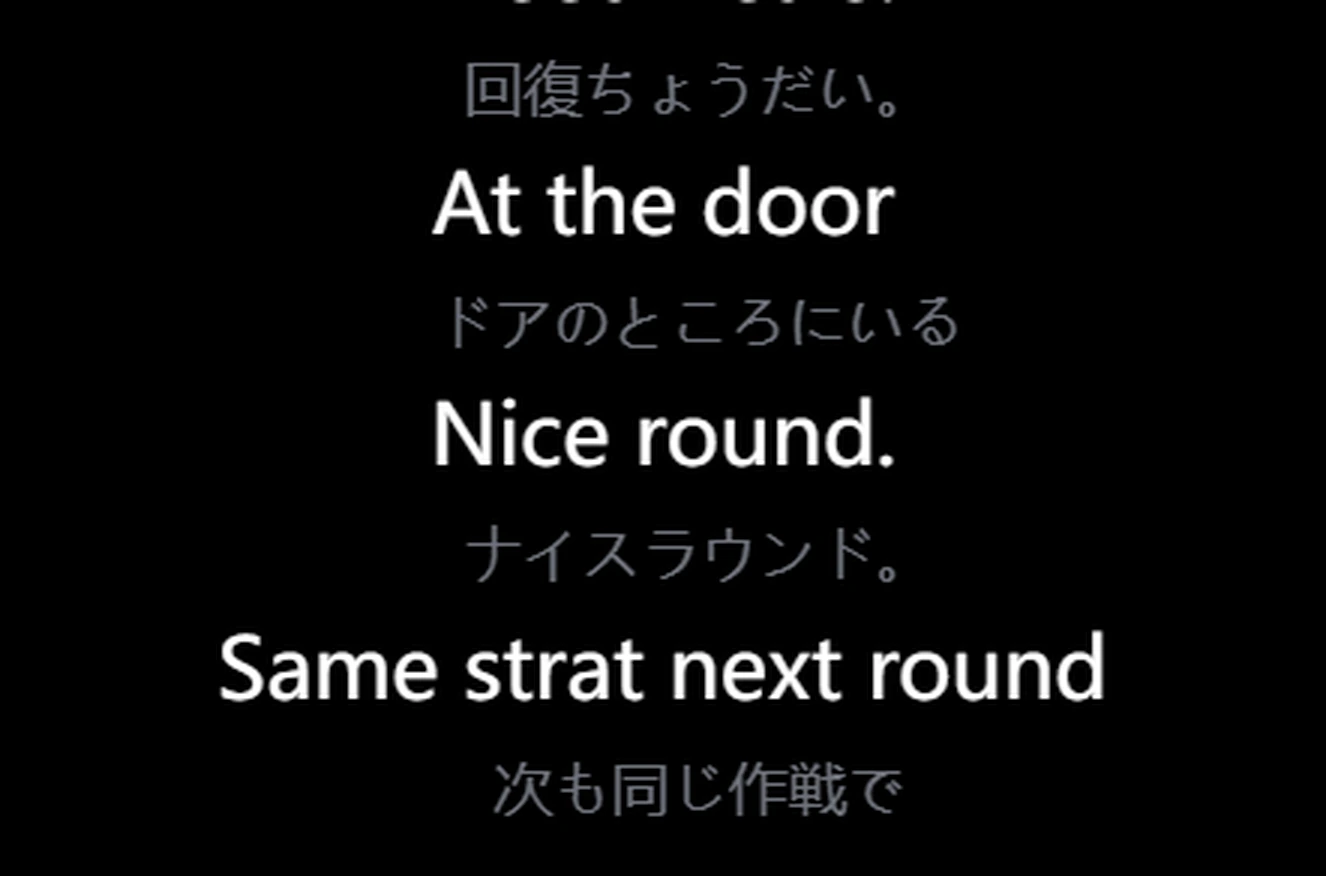
Một lần: chụp bất kỳ menu hay nhật ký nhiệm vụ nào
1 Nhấn phím tắt chụp màn hình rồi kéo chọn vùng chữ.2 Nhận dạng và dịch ngay trong cửa sổ chính.
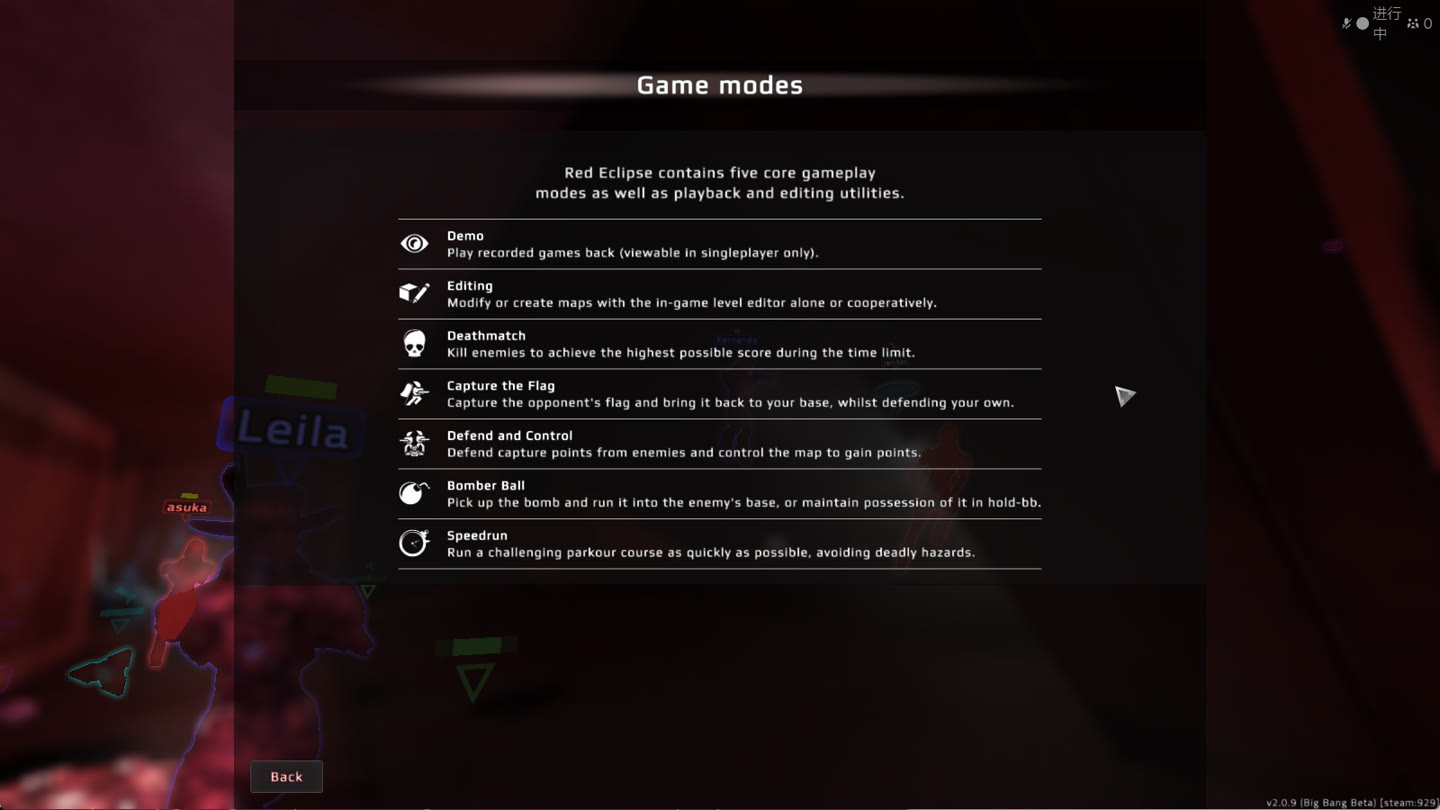
Màn hình trợ giúp của Red Eclipse, dịch từ tiếng Anh sang tiếng Nhật. Kết quả thật từ bản phát hành. Tìm hiểu dịch màn hình
Chat gõ phím
Dịch tin nhắn tiếp theo.
Gõ hoặc dán nội dung chat. Bản dịch sẵn sàng để copy lại vào game, theo cả hai chiều.
Tiếng AnhTiếng HànTiếng AnhTiếng TrungTiếng NhậtTiếng Anh
Gói & bảng giá
Bắt đầu miễn phí. Nâng cấp khi cần.
Nâng cấp ngay trong ứng dụng.
Điểm khởi đầu của bạn
Miễn phí
US$0Khoảng 2 giờ dịch giọng nói mỗi ngày
Không cần thẻ tín dụng để bắt đầu.
Unitra Engine mới nhất
Đủ cả 35 ngôn ngữ
Dịch giọng nói và chat, kèm dịch ảnh chụp màn hình thủ công
Lớp phủ (overlay) trong game
Hỗ trợ đám mây: nhận dạng giọng nói mượt hơn khi PC đang tải nặng
Giá khuyến mãi có thể kết thúc. Chia sẻ dữ liệu (tùy chọn) giúp nhân đôi hạn mức gói Miễn phí; mặc định tắt.
Giá hiển thị bằng đơn vị tiền tệ địa phương của bạn và được thanh toán bằng đơn vị đó khi mua.
Âm thanh luôn ở trên thiết bị của bạn, trừ khi bạn chọn chia sẻ. Khi dùng hỗ trợ đám mây, chỉ đặc trưng giọng nói được gửi tới máy chủ của chính chúng tôi, và không bao giờ được lưu lại Chính sách quyền riêng tư
Trong trận
Game của bạn. Lớp phủ của bạn.
Game, lớp phủ ở góc dưới bên trái, cửa sổ chính bên phải.
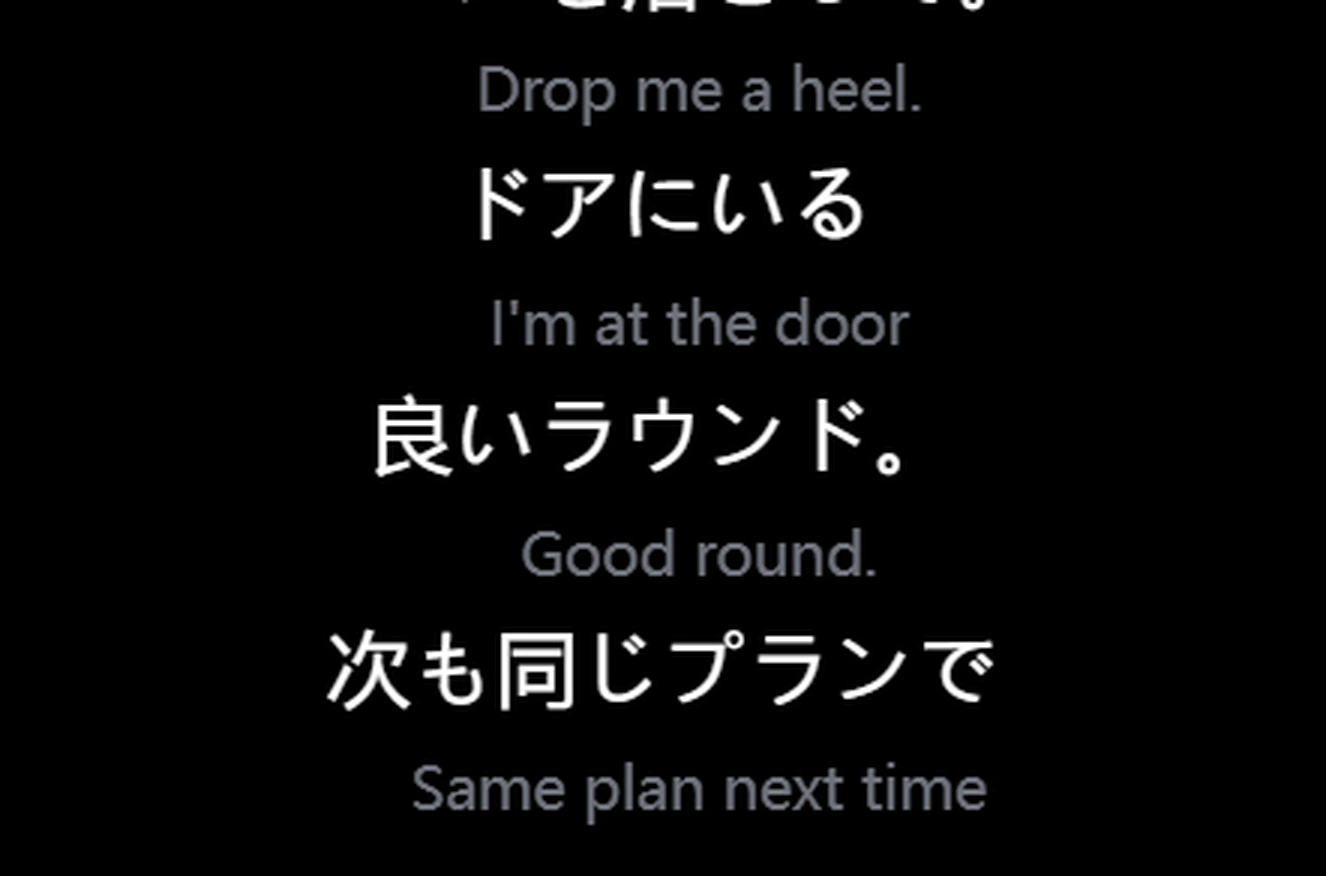
Giọng tiếng AnhTiếng NhậtGiọng tiếng AnhTiếng HànGiọng tiếng NhậtTiếng Anh
Nhấn xuyênChuột và phím vẫn điều khiển game. Khóa lớp phủ ở vị trí bạn muốn.
Chạy mượt cả trên PC cấu hình thấpẢnh hưởng đến FPS thường không đáng kể. Trên PC cấu hình thấp hoặc đang chạy nặng, hỗ trợ đám mây sẽ xử lý bước nhận dạng nặng nhất trên máy chủ của chính chúng tôi
~1 giâyĐộ trễ dịch đầu-cuối.
Cắm là chạyDùng ngay với voice chat trong game và mic của bạn, không cần cài đặt thêm.
Dành cho streamer
Tiếp cận người xem không nói ngôn ngữ của bạn.
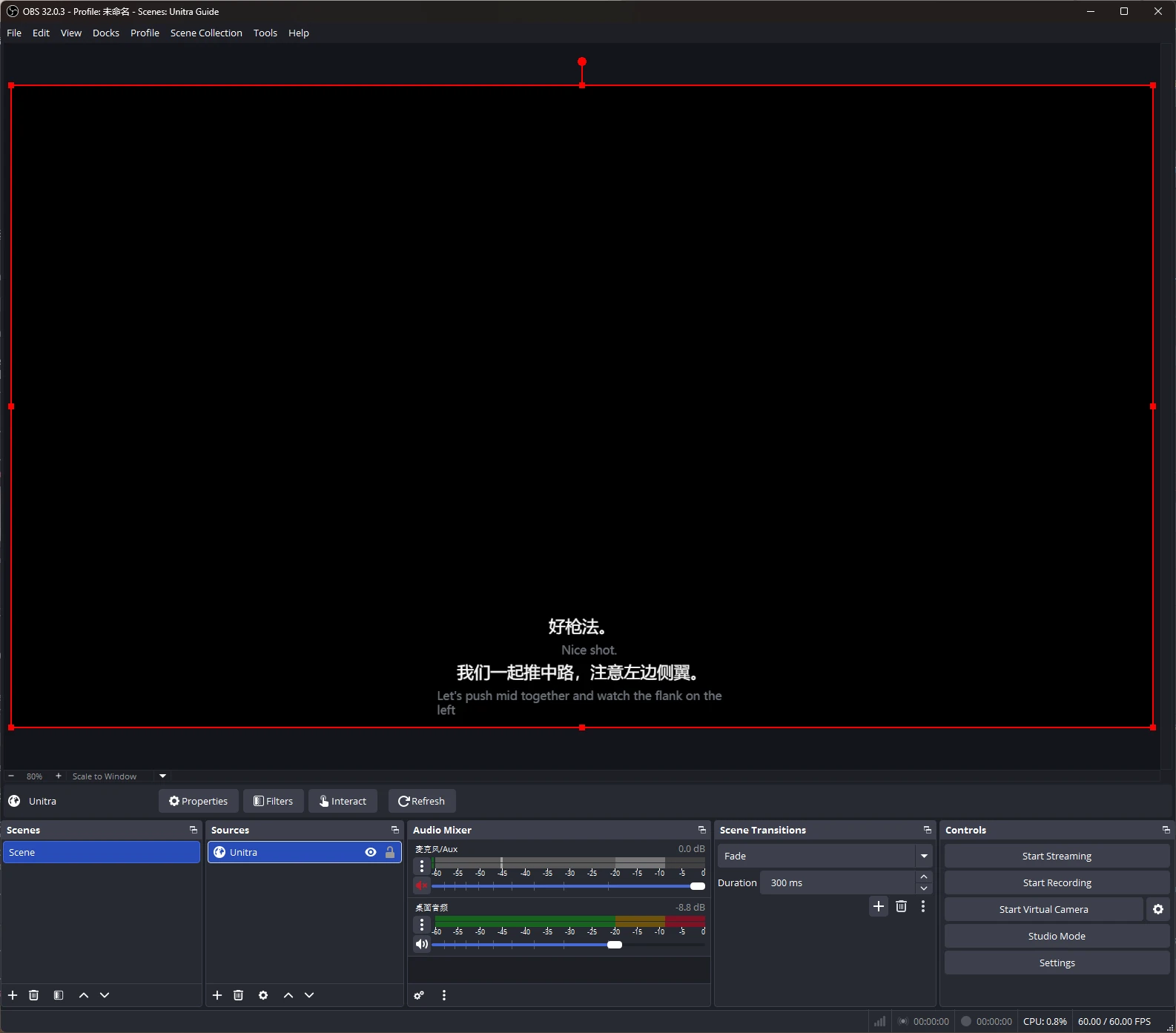
Phụ đề đã dịch trên stream của bạn, thêm vào OBS Studio dưới dạng nguồn trình duyệt (browser source).
Tùy chỉnh phụ đề bằng Overlay Studio: phông chữ, đường viền, chủ đề và cài đặt trước. Champion.
OBS Studio là nhãn hiệu của chủ sở hữu tương ứng. Unitra AI là công cụ độc lập, không liên kết với OBS Project và không được OBS Project chứng thực hay bảo trợ.
Unitra AI thu âm thanh desktop và mic của bạn trên Windows và macOS, bao gồm voice chat trong game và cuộc gọi Discord. Không cần cấu hình cho từng game hay định tuyến âm thanh riêng.
Có làm giảm FPS không?
Lớp phủ được tối ưu để dùng ít CPU và GPU, và ảnh hưởng đến FPS thường không đáng kể. Trên PC cấu hình thấp hoặc đang chạy nặng, hỗ trợ đám mây sẽ xử lý bước nặng nhất của nhận dạng giọng nói trên máy chủ riêng của chính chúng tôi, nên bản dịch vẫn mượt. Số liệu chính xác tùy phần cứng và game của bạn.
Có thể bắt đầu miễn phí không?
Có. Khoảng 2 giờ dịch giọng nói mỗi ngày, kèm tất cả ngôn ngữ và lớp phủ. Không cần thẻ tín dụng.
Mua gói ở đâu?
Ngay trong ứng dụng, bằng đơn vị tiền tệ địa phương của bạn.
Đồng đội có nghe được bản dịch không?
Có, với Đầu ra giọng nói trong gói Champion (Windows). Unitra AI đọc lời bạn đã được dịch qua mic ảo Unitra; bạn chỉ cần thiết lập mic này một lần rồi chọn nó làm mic trong game hoặc Discord. Khoảng 1 đến 2 giây sau khi bạn nói xong một câu, đồng đội sẽ nghe bằng ngôn ngữ của họ, với giọng đọc ở 10 ngôn ngữ.
Có dùng được trong game toàn màn hình không?
Có. Ở chế độ không viền hoặc cửa sổ, lớp phủ vẫn nằm trên cùng như thường. Nếu game ở chế độ toàn màn hình độc quyền che mất nó, widget Xbox Game Bar miễn phí sẽ hiện cùng phụ đề đó phía trên game. Chỉ cần thiết lập một lần, trên Windows 10 hoặc 11.