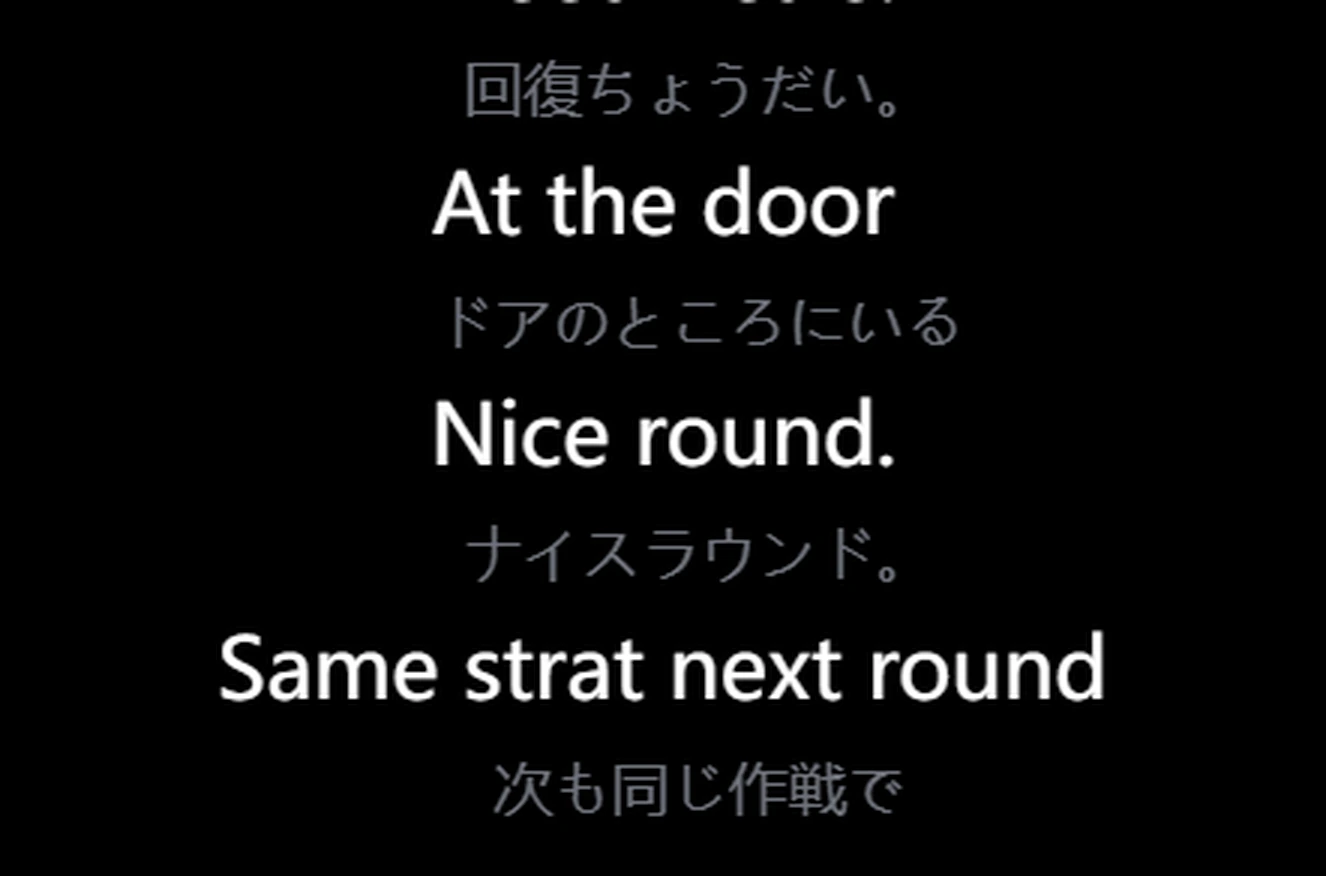
El traductor de juegos
en tiempo real.

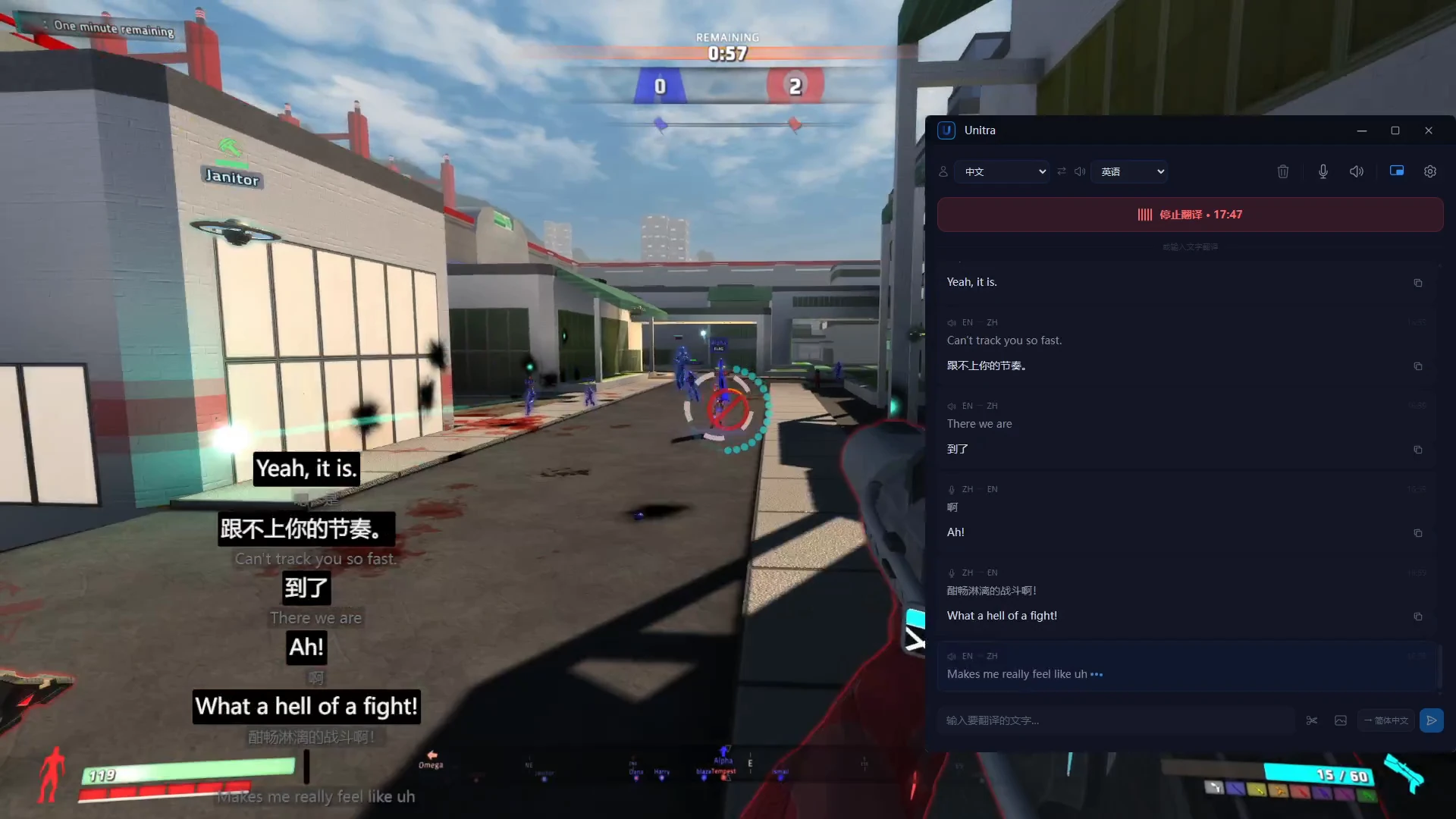
Unitra AI traduce el idioma de tu juego mientras juegas: el chat de voz de tus compañeros en directo en un overlay, además del chat escrito y el texto en pantalla. Sin copiar y pegar, sin alt-tab.

100%
Audio en tu dispositivo
~1s
Latencia de extremo a extremo
>90%
Precisión en términos de gaming
12+
Juegos con terminología dedicada

Traduce mientras juegas

Unitra AI corre en segundo plano, captura audio y muestra traducciones en overlay.

Hecho para traducción en juego

Detecta juegos en ejecución y fija un overlay click-through sobre la pantalla.

Traducción de voz en tiempo real

Habla o reproduce audio y ve traducciones al instante.

Doble fuente de audio

Captura micrófono y audio de escritorio al mismo tiempo.

El audio se queda en tu dispositivo

Tu audio se queda en tu dispositivo. A menos que optes explícitamente por compartir datos, Unitra AI nunca sube, recopila ni almacena tu audio. Privacidad activa por defecto.

Overlay no intrusivo

El texto traducido aparece como overlay flotante, siempre visible y configurable.

Diseñado para gaming

Diseñado para gaming. El vocabulario propio de cada juego se reconoce y traduce correctamente: personajes, objetos, habilidades, callouts.

Inicia y habla

Unitra AI funciona en segundo plano. Sin pasos manuales.

1

Elige tus idiomas

Selecciona idioma origen y destino y empieza a traducir.

2

Reconoce y traduce automáticamente

La voz se reconoce y el idioma se detecta de forma automática.

3

Ve resultados en overlay

El texto traducido aparece en un overlay no intrusivo.

No es solo otro traductor

Construido desde cero para traducción de voz en tiempo real.

Privacidad primero

Tu audio se queda en tu dispositivo por defecto. Sin subidas, sin grabaciones guardadas. La privacidad es nativa.

Diseñado para gaming

Overlay adaptado al juego, click-through y cero interrupciones.

Muy rápido

Alrededor de 1 s de voz a texto traducido.

Hecho para cómo te comunicas

Traducción en tiempo real para momentos que importan.

Gaming

Juega con personas de todo el mundo con chat de voz traducido en tiempo real.

  • Detección automática de juegos
  • Overlay click-through siempre arriba
  • Captura dual juego + micrófono

Streaming

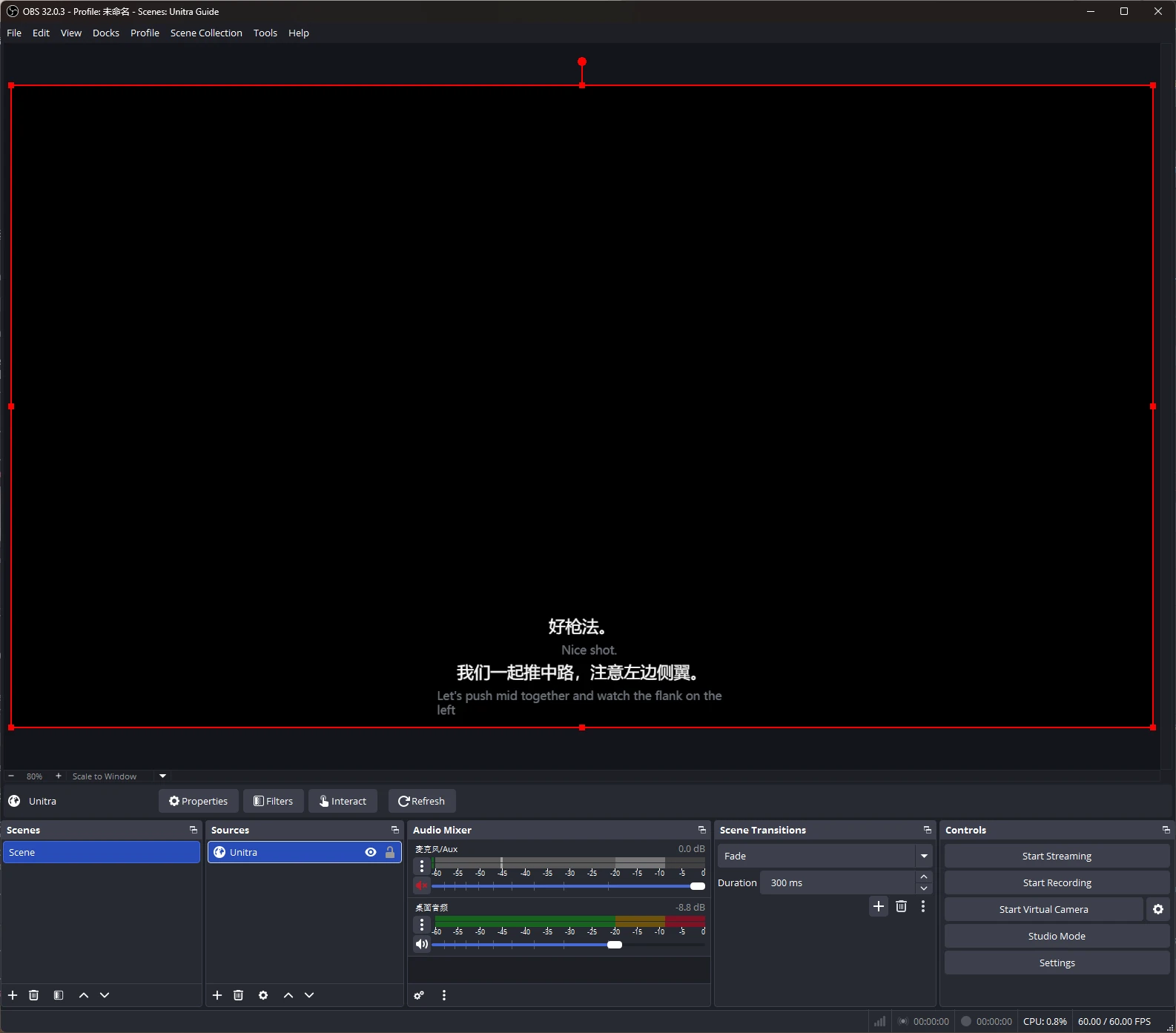
Llega a audiencias multilingües con subtítulos traducidos automáticamente.

  • Subtítulos traducidos en vivo
  • Posición del overlay configurable
  • Compatible con OBS y otras herramientas

También ideal para

Equipos remotos: reuniones y llamadas multilingües
Aprendizaje de idiomas: inmersión con traducción en tiempo real

Frequently Asked Questions

Quick answers about Unitra AI — what it does, how it works, and what to expect.

What is Unitra AI?
Unitra AI — short for Universal Translator — is a desktop app that translates voice chat in real time. It captures microphone and desktop audio and shows translations in a click-through in-game overlay tuned for gaming terminology. Beyond voice, Unitra AI also supports text and image translation — paste in chat messages or capture on-screen UI text and the same gaming-tuned AI translates them.
Is Unitra AI free to use?
Yes — Unitra AI is free to start. During the open beta, the free tier currently includes a weekly quota covering about 10 hours of voice translation per week; actual duration varies with how you use it. No credit card needed to get started.
Is Unitra AI easy to set up?
Yes. Unitra AI is designed for a one-click setup — install the desktop app, pick your spoken language and the language you want translations in, and translation runs automatically while you play. There's no per-game configuration, no separate audio routing, and no plugins to install.
Which games does Unitra AI work with?
Unitra AI works with any PC game that has voice chat — including FPS shooters, MOBAs, MMOs, battle royale and party games. It captures system audio and microphone input directly, so it doesn't depend on per-game integrations. Game-specific terminology fine-tuning is an active area of development; results vary by title and language pair.
Is there noticeable lag with real-time translation?
No. Unitra AI is engineered for low latency, with translations typically appearing in about 1 second end-to-end — fast enough to keep up with team callouts in fast-paced shooters, MOBAs, and other competitive games.
Will Unitra AI affect my game's frame rate?
Not noticeably for most users. Unitra AI is built around a lightweight click-through overlay optimized for low CPU and GPU usage, so the impact on frame rate is typically negligible. Exact figures depend on your hardware and the game.
Is my voice uploaded to the cloud?
No. Your audio stays on your device. Unitra AI never uploads, collects, or stores your audio unless you explicitly opt in to share data to help us improve the product — this is off by default and can be toggled at any time.
Which languages does Unitra AI support?
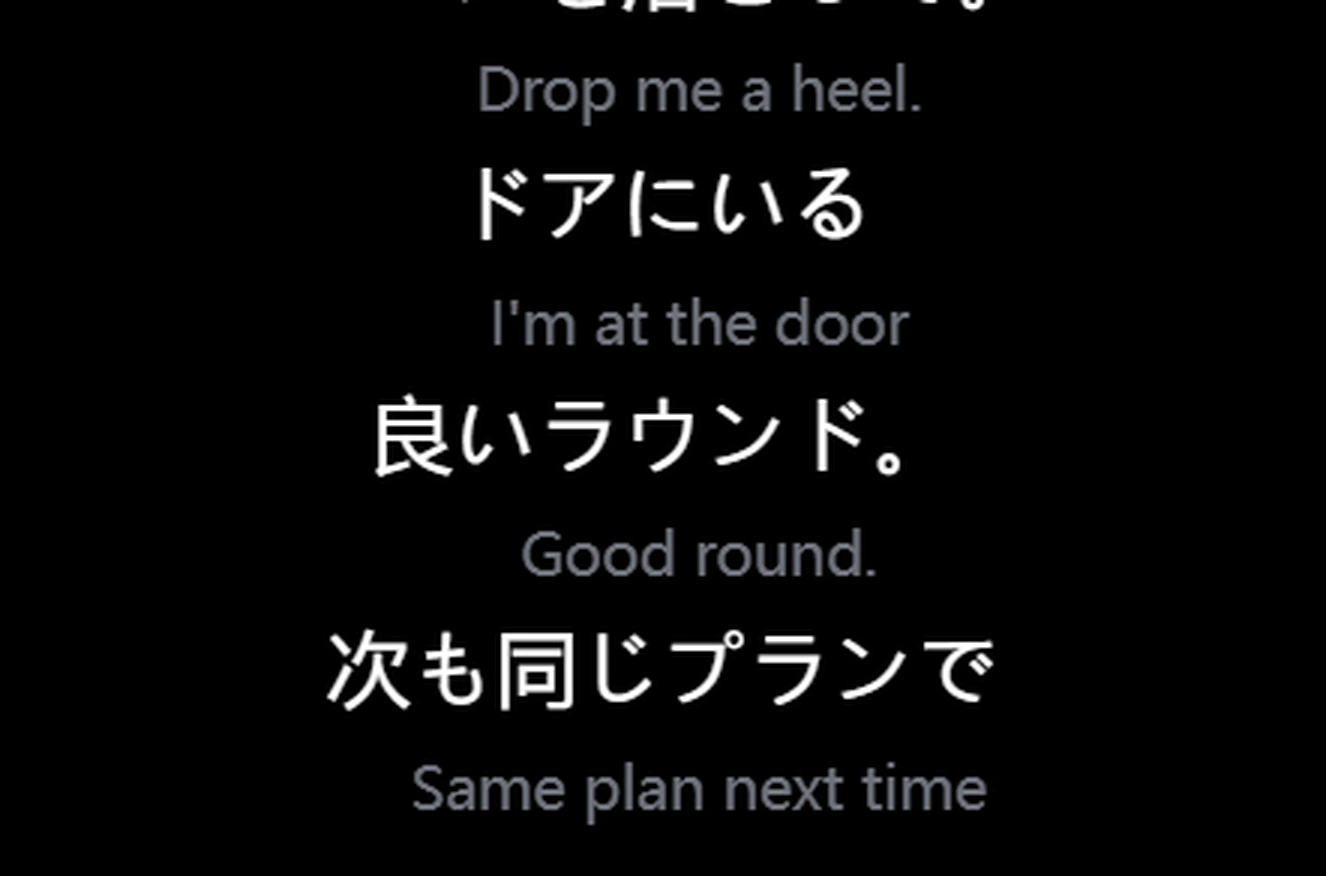
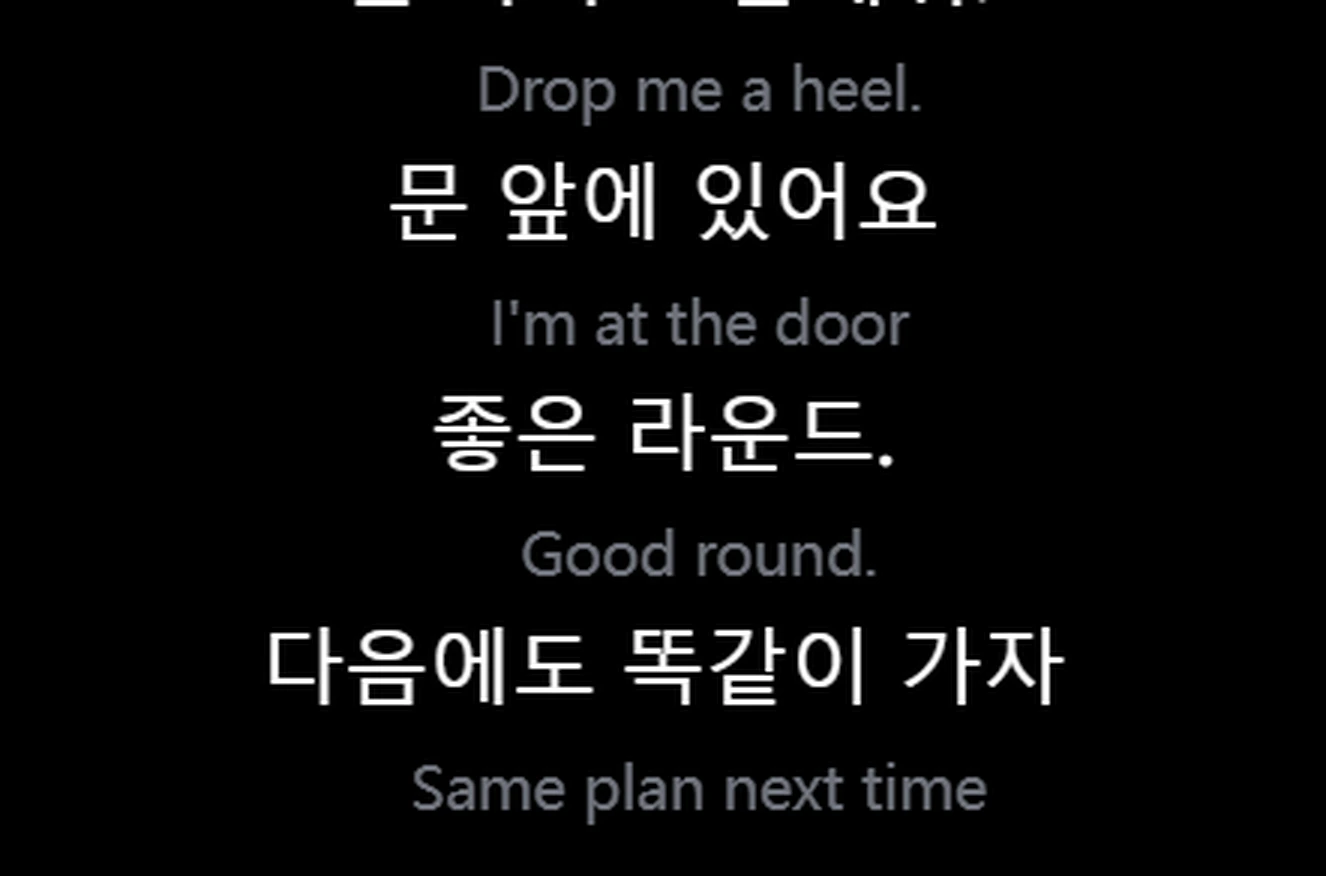
Unitra AI currently supports 20 major languages used in gaming voice chat: English, Chinese, Japanese, Korean, Vietnamese, French, Spanish, Portuguese, Italian, German, Russian, Dutch, Polish, Belarusian, Ukrainian, Croatian, Armenian, Georgian, Arabic and Persian. Coverage continues to expand.
Can Unitra AI translate gaming slang, callouts, and in-game terminology?
Yes. Unitra AI is powered by AI translation models tuned specifically for gaming voice chat — they handle in-game terminology, callouts, and slang that generic translators often miss. Quality varies by language pair, and we continuously improve the models based on real gameplay feedback.
Is Unitra AI just a ChatGPT/GPT wrapper?
No. Speech recognition runs entirely on your device, so no audio is uploaded. For cloud translation we leverage best-in-class multilingual AI, but the bulk of what makes Unitra AI work for gaming sits in the engineering layer we've built around it: per-game fine-tuning, callout and glossary injection so in-game terminology translates correctly. Many "AI translator" products are a thin proxy to a chatbot API — Unitra AI isn't.
Does Unitra AI translate text and images, or only voice?
All three. Voice translation is the flagship, but Unitra AI also handles in-game text chat and on-screen image translation — game UI, screenshots, and on-screen text panels — using the same gaming-tuned AI models. One app, one quota, one workflow.
Can I use Unitra AI to play with teammates on international servers?
Yes — that's exactly what Unitra AI is built for. Whether you're queuing on JP, NA, EU, KR or any other regional server, Unitra AI captures both your microphone and your teammates' voice from desktop audio so cross-region squads can talk to each other in their own languages, with translations appearing in real time.
Is Unitra AI related to the Polish electronics brand Unitra?
No. Unitra AI — short for Universal Translator — is an independent software product focused on real-time voice translation for gaming. It is not affiliated with Unitra, the historical Polish consumer-electronics brand.
How can I try Unitra AI?
Unitra AI is in open beta. Download it for Windows on unitra.ai and create a free account to get started, or join the Unitra AI community on Discord.

¿Listo para romper la barrera del idioma?

Descarga Unitra AI para Windows y empieza a traducir en tiempo real. Gratis.