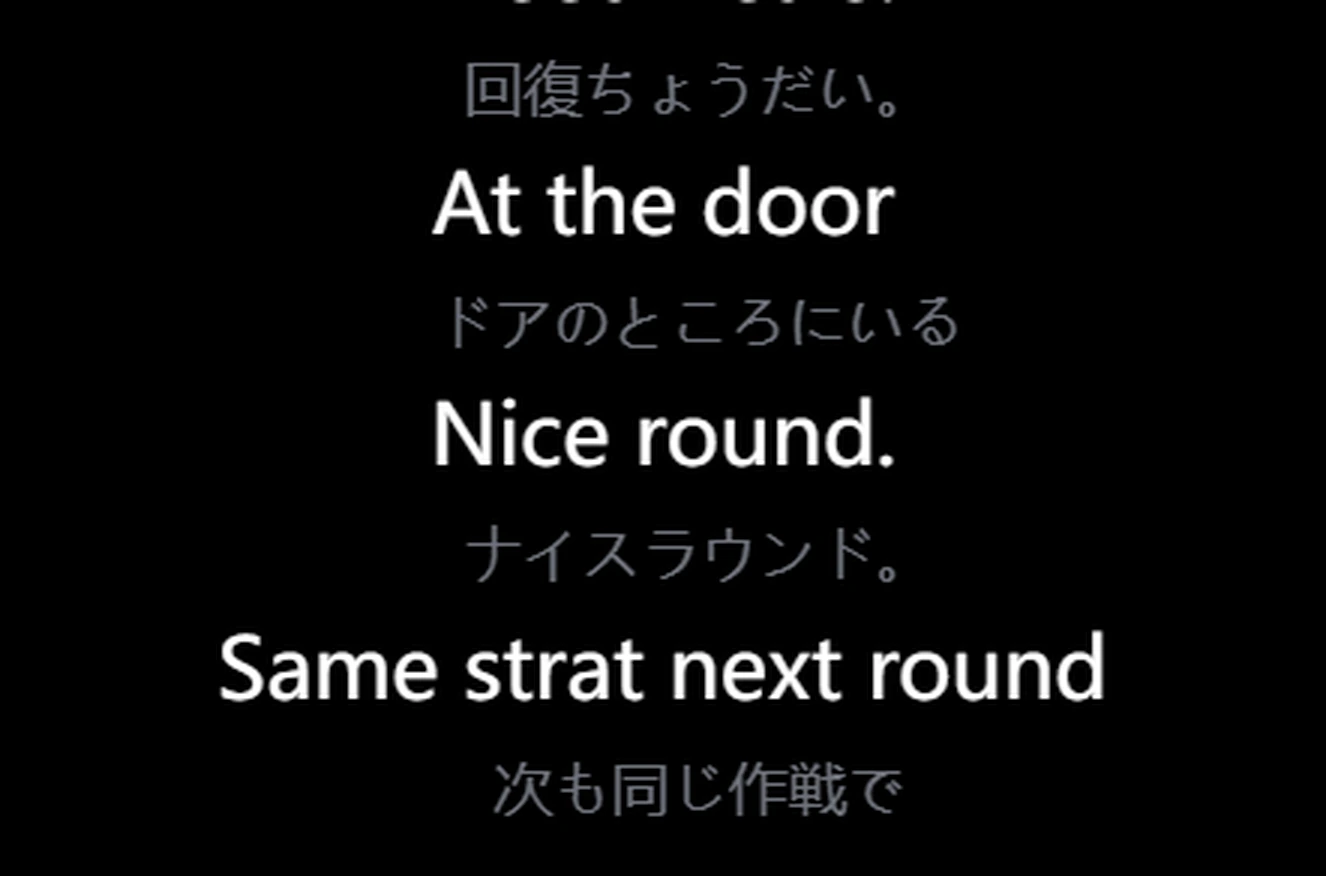
Parlez comme d'habitude. Unitra AI traduit ce que vous dites et le prononce dans le chat vocal du jeu ou sur Discord : vos coéquipiers vous entendent dans leur langue.
Résultat réel de la version publiée. Les phrases chinoises sont un extrait vocal enregistré ; la voix anglaise est ce qu'entend votre équipe
Écran
Lisez l'interface du jeu.
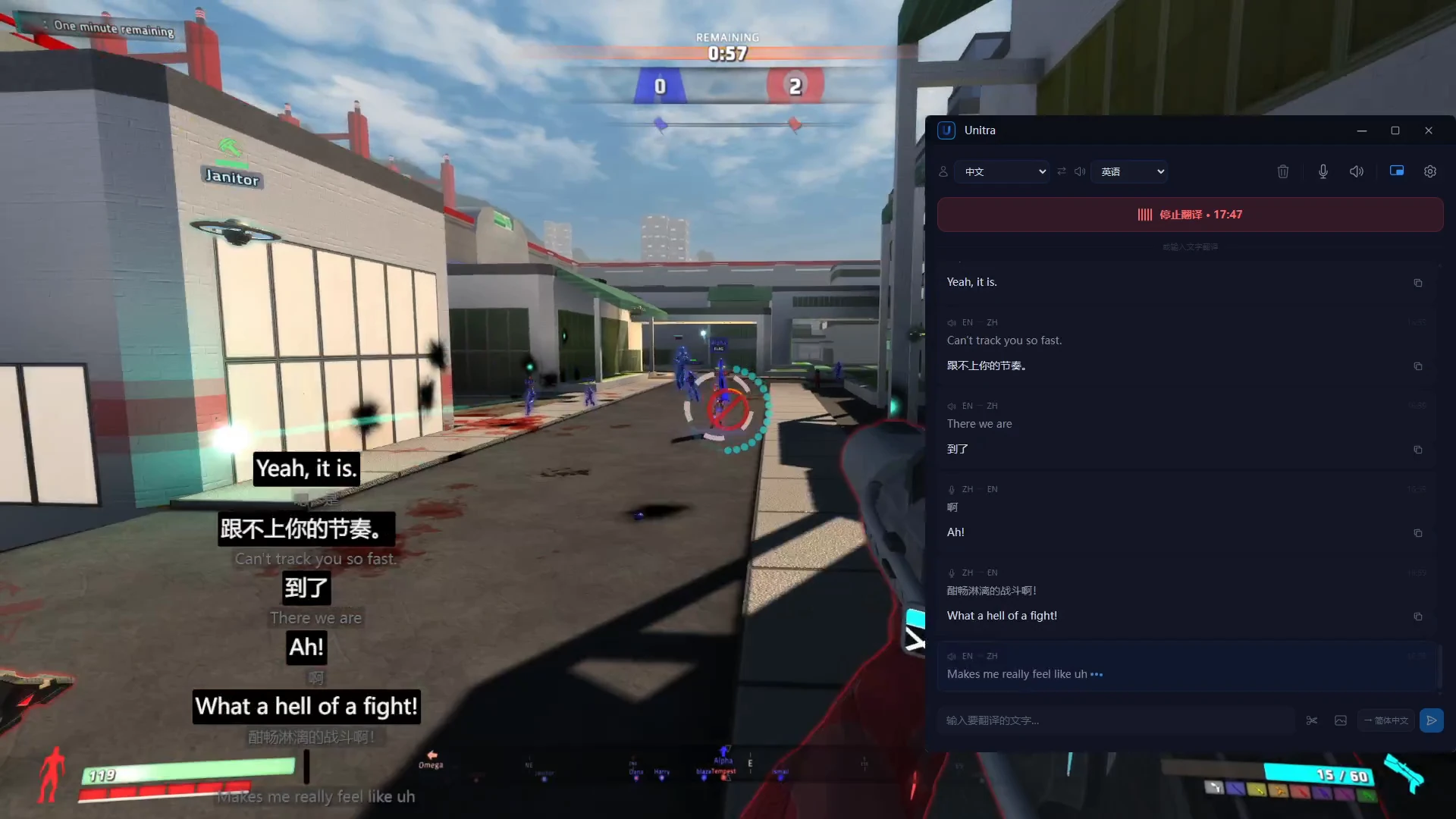
Le chat du jeu et le texte à l'écran, traduits au fil des changements. Choisissez la zone du chat une fois et Unitra AI continue de la lire.
Traduction d'écran automatique : choisissez une zone une fois et chaque nouveau message du chat est traduit dès qu'il apparaît, sans capture. Pass journée et Champion, sous Windows
Chat de notre jeu de démonstration, de l'anglais vers le chinois. Résultat réel de la version publiée
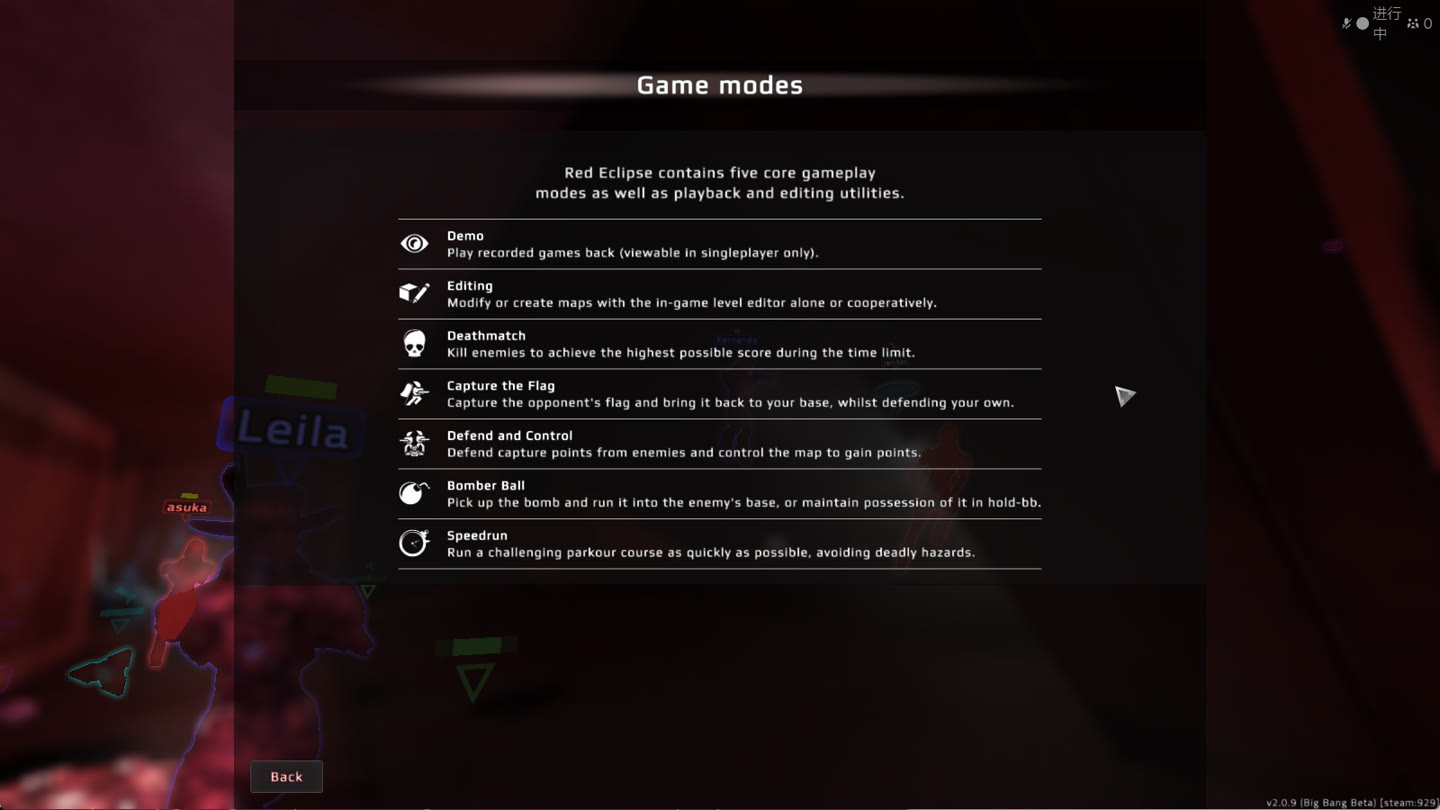
Ponctuel : capturez n'importe quel menu ou journal de quêtes
1 Appuyez sur le raccourci de capture et sélectionnez le texte.2 Reconnu et traduit dans la fenêtre principale.
Écran d'aide de Red Eclipse, de l'anglais vers le japonais. Résultat réel de la version publiée. Découvrir la traduction d'écran
Chat
Traduisez votre prochain message.
Tapez ou collez un message. La traduction est prête à être recopiée dans le jeu, dans les deux sens.
AnglaisCoréenAnglaisChinoisJaponaisAnglais
Offres & tarifs
Gratuit pour commencer. Davantage quand il le faut.
Passez à l'offre supérieure depuis l'application.
Votre point de départ
Gratuit
US$0Environ 2 heures de traduction vocale par jour
Aucune carte bancaire requise pour commencer.
Le dernier Unitra Engine
Les 35 langues
Traduction de la voix et du chat, plus traduction manuelle de captures d'écran
Overlay en jeu
Assistance cloud : une reconnaissance vocale plus fluide quand votre PC est chargé
Les prix promotionnels peuvent prendre fin. Le partage de données facultatif double le quota de l'offre Gratuit ; désactivé par défaut.
Prix affichés dans votre devise locale ; facturés dans cette devise lors du paiement.
L'audio reste sur votre appareil, sauf si vous choisissez de le partager. Avec l'assistance cloud, seules des caractéristiques vocales parviennent à nos propres serveurs, et elles ne sont jamais conservées Politique de confidentialité
En pleine partie
Votre jeu. Votre overlay.
Le jeu, l'overlay en bas à gauche, la fenêtre principale à droite.
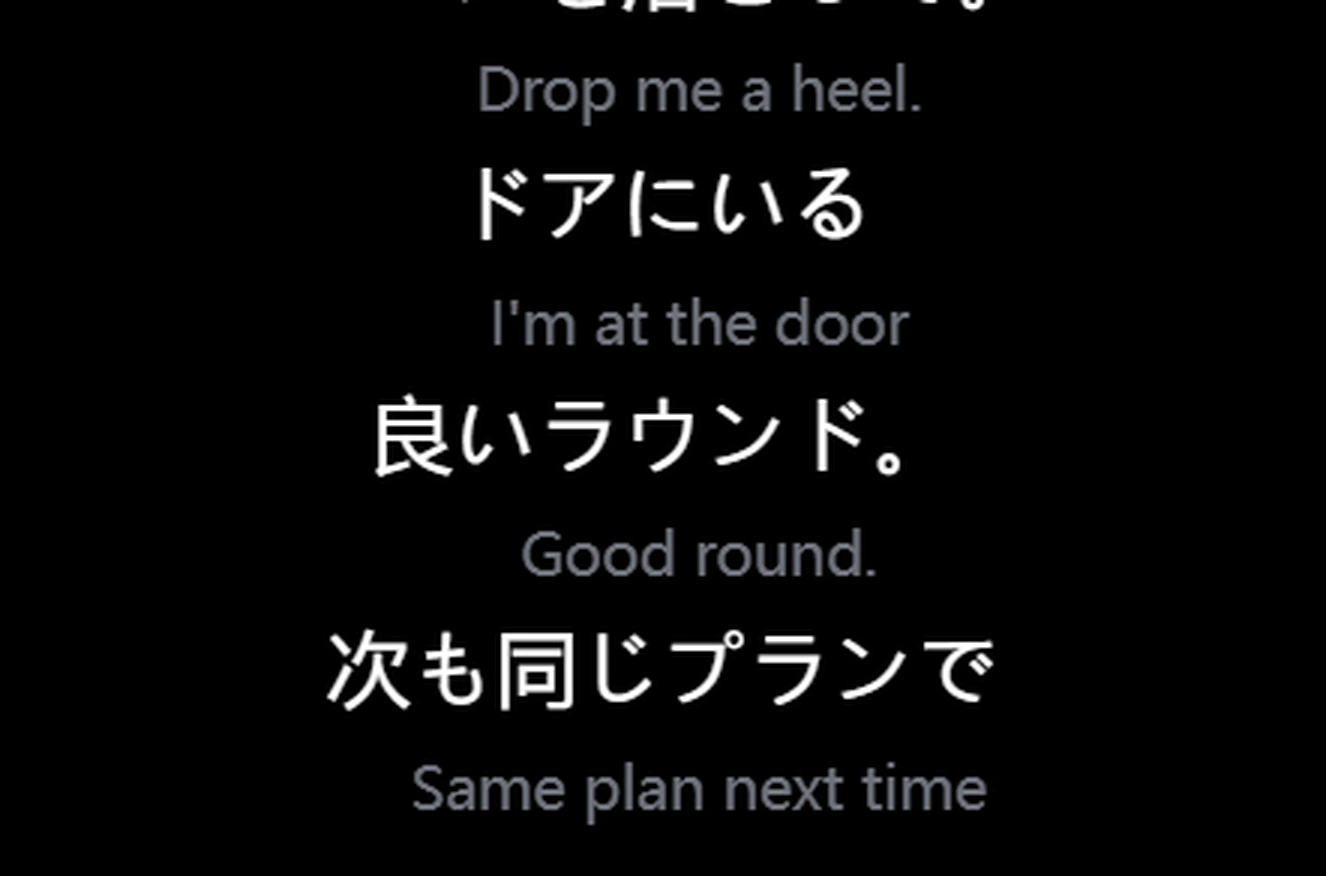
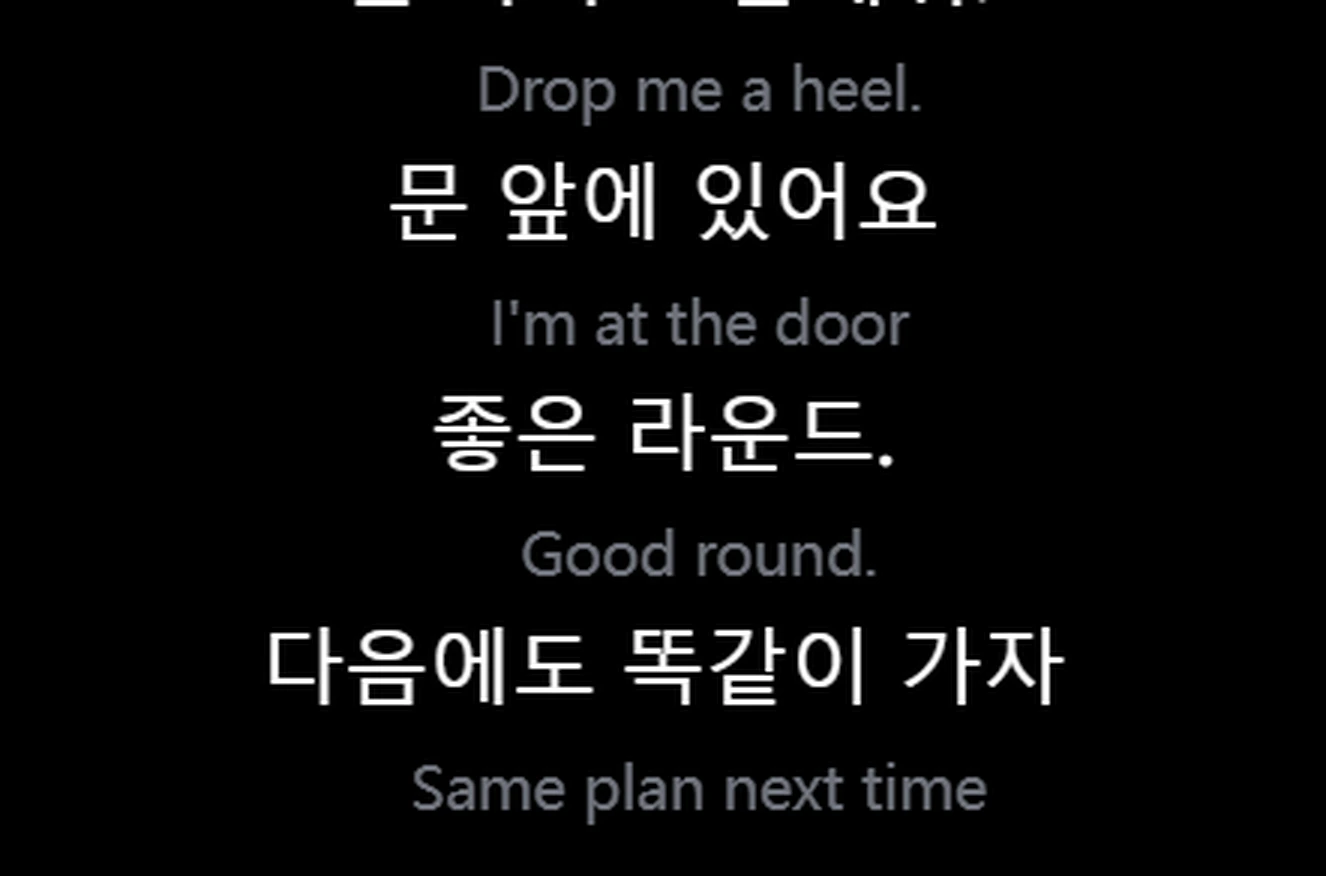
Voix en anglaisJaponaisVoix en anglaisCoréenVoix en japonaisAnglais
Clic traversantLa souris et le clavier restent au jeu. Verrouillez l'overlay où vous voulez.
Tourne aussi sur les PC modestesL'impact sur les FPS est généralement négligeable. Sur un PC modeste ou très sollicité, l'assistance cloud effectue l'étape de reconnaissance la plus lourde sur nos propres serveurs
~1 sLatence de traduction de bout en bout.
Prêt à l'emploiFonctionne d'emblée avec le chat vocal de votre jeu et votre micro.
Pour les streamers
Touchez les viewers qui ne parlent pas votre langue.
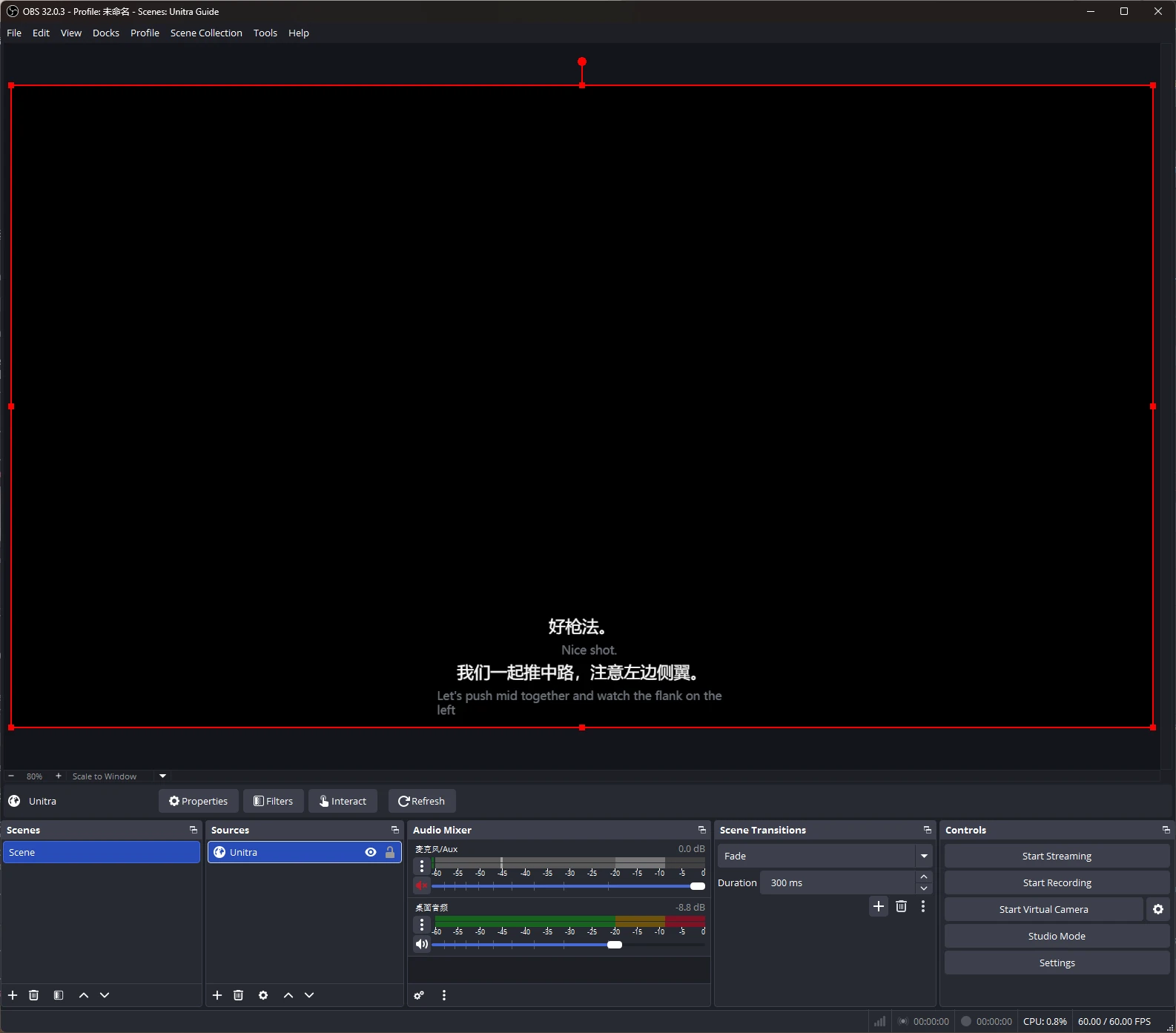
Des sous-titres traduits sur votre stream, ajoutés à OBS Studio comme source navigateur.
Personnalisez-les avec Overlay Studio : polices, contours, thèmes et préréglages. Champion.
Unitra AI capture l'audio du bureau et votre micro sous Windows et macOS, y compris le chat vocal des jeux et les appels Discord. Aucune configuration par jeu ni routage audio séparé.
Est-ce que ça réduit mes FPS ?
L'overlay est optimisé pour consommer peu de CPU et de GPU, et l'impact sur les FPS est généralement négligeable. Sur un PC modeste ou très sollicité, l'assistance cloud effectue l'étape la plus lourde de la reconnaissance vocale sur nos propres serveurs privés, pour une traduction toujours fluide. Les chiffres exacts dépendent de votre matériel et du jeu.
Puis-je commencer gratuitement ?
Oui. Environ 2 heures de traduction vocale par jour, avec toutes les langues et l'overlay. Aucune carte bancaire requise.
Où acheter une offre ?
Dans l'application, dans votre devise locale.
Mes coéquipiers peuvent-ils entendre la traduction ?
Oui, avec la Sortie vocale de Champion (Windows). Unitra AI prononce vos phrases traduites via le micro virtuel Unitra, à configurer une seule fois puis à choisir comme micro dans le jeu ou sur Discord. Votre équipe vous entend dans sa langue environ 1 à 2 secondes après la fin de chaque phrase, avec des voix en 10 langues.
Est-ce que ça marche dans les jeux en plein écran ?
Oui. En mode fenêtré ou sans bordure, l'overlay reste au premier plan comme d'habitude. Si un jeu en plein écran exclusif le masque, le widget gratuit Xbox Game Bar affiche les mêmes sous-titres par-dessus le jeu. À configurer une seule fois, sous Windows 10 ou 11.